After an upgrade to SecureDoc Windows Client version 7.5 SR1 Hot Fix 6, you may see the following error message (circled area in the bottom right of the image: 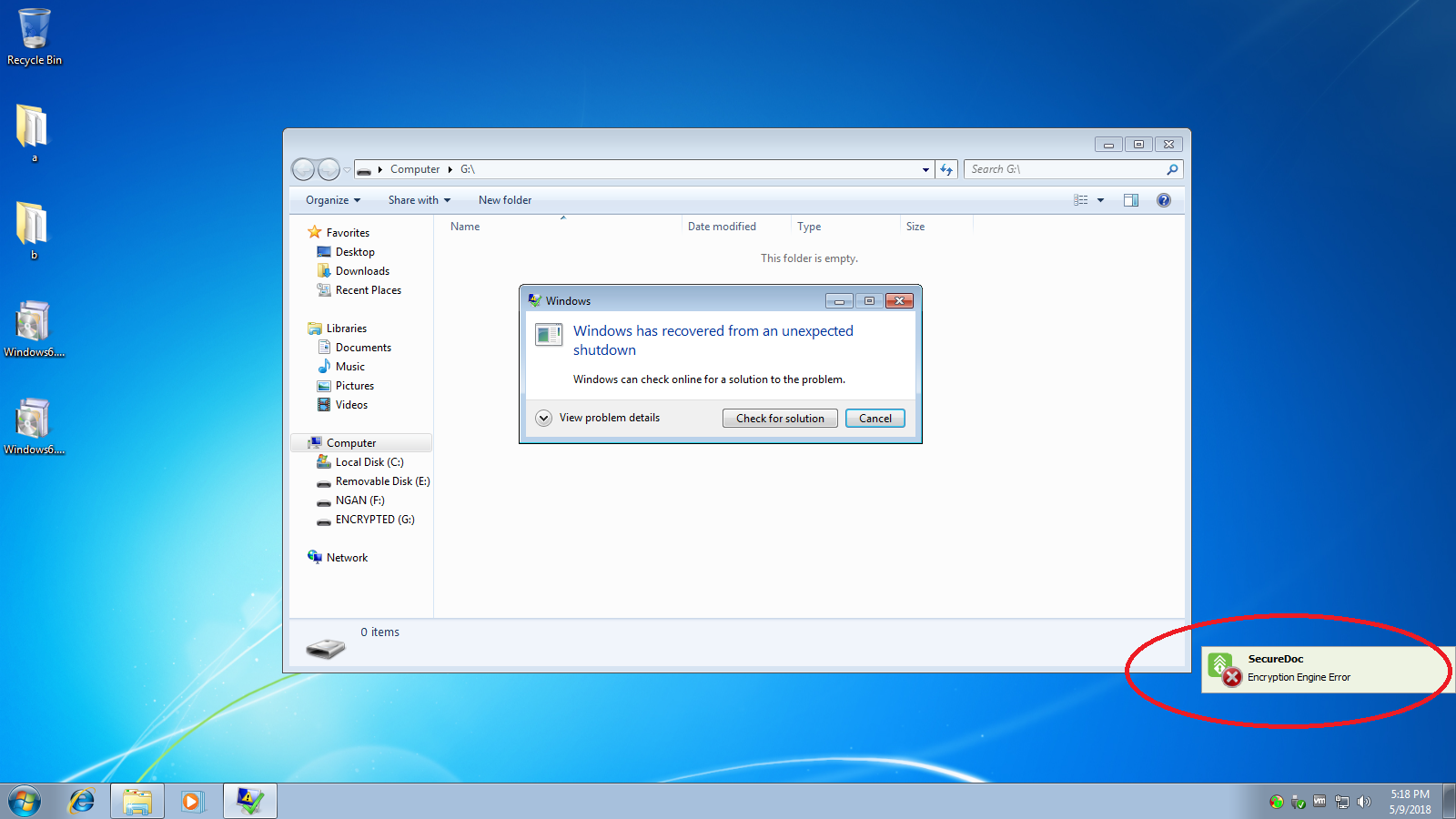
The workaround for this error is to do the following
1. Login to Secure Doc Control Center on the affected computer
2. Go to boot control
3. Go to Install/Uninstall boot logon
4 Go to Update tab then click Update.
Then the system should update the boot logon and restart. When the system restarts, press 'a' to go into v.5 preboot and login.
Result: The error should not be present for both v.4 and v.5 preboot.