Why am I encountering a Windows Recovery Screen after Installing SecureDoc on my HP X2 210 G2 Tablet?
Environment Details:
The following device(s) and environment related to issue which error or event was encountered:
Make | Model | Comment | |||
HP | X2 210 G2 | N/A | |||
OS | BIOS Version | BIOS Mode | Encryption Type | SES Version/Build | |
Win 10 [1703] | N/A | UEFI Native | 7.5.000.280 7.5.100.355 | ||
PBU | PBLU | Comment | |||
Fails (Recovery Error) | Success | Note: 64 bit Preboot Loader Processor Architecture is required for successful setup | |||
It’s been observed that after installing SecureDoc on device in which installation & encryption completes, client will observes upon restart that device encounters the following error(s):
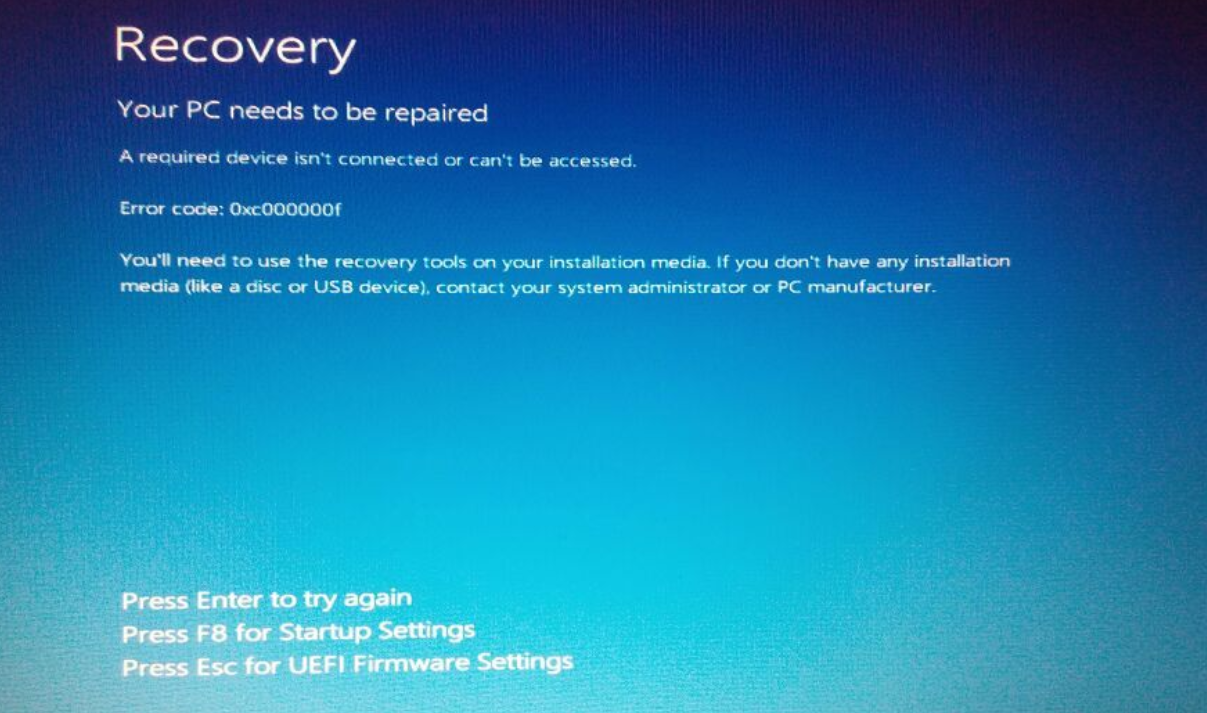
1st Recovery Screen:
A required device isn’t connected or can’t be accessed.
Error code: 0xc000000f
Example
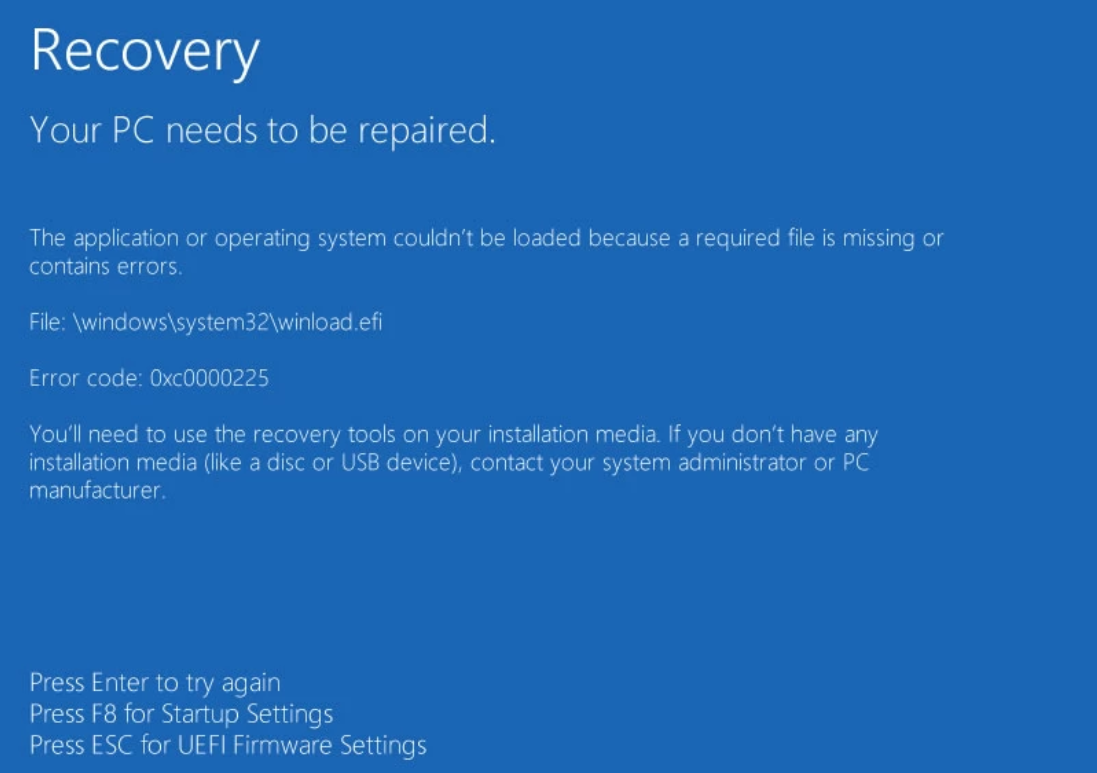
2nd Recovery Screen error:
Your PC needs to be repaired.
The application or operating system couldn’t be loaded because a required file is missing or contains errors.
File: \windows\system32\winlolad.efi
Error code: 0xc0000225
Example
Probable Cause:
It’s been identified that this HP device is based on 64 bit Processor architecture.
Proposed Solution:
You will need to configure this device to use the Profile set to PBU but the installation package will need to use “Pre-Boot Loader Processor Architecture” = 64-Bit (Only for devices needing 64bit Pre-Boot)