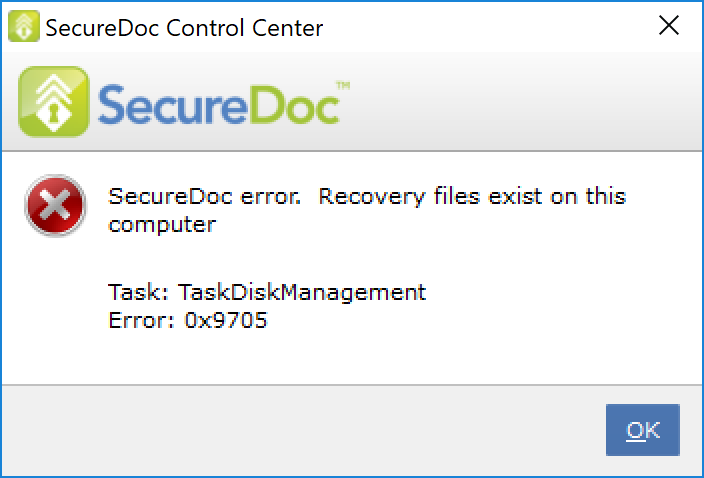
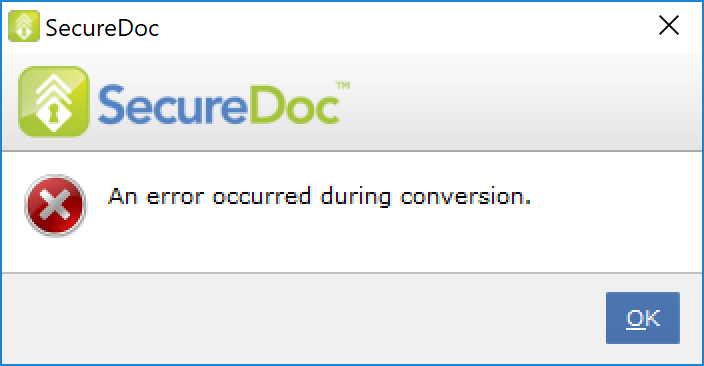
When attempting to start a disk conversion process, the following error may appear (encryption or decryption):
_______________________________________
SecureDoc error. Recovery files exist on this computer
Task: TaskDiskManagement
Error: 0x9705
_______________________________________
Example:
Environment:
Applies to any version of SecureDoc 6.5 or higher.
Probable Cause:
Important recovery files for an encryption or decryption process already exist on the computer.
SecureDoc will not allow a new conversion process to take place until these files are dealt with (either by the completion of the conversion process or the removal of the files). These files are very important in the event a conversion process is interrupted.
Product version affected:
SD 6.5 or newer versions
Environment (OS/hardware/software):
All Devices
All Windows OS
Resolution:
Note: Please DO NOT perform the procedure below if the disk is in the middle of conversion (partially encrypted).
Step 1: Check to ensure the conversion process wasn't interrupted.
Step 2: Log into the SecureDoc Control Center using an admin account
Step 3: Navigate to Encryption Management > Click on Remove PH1/PH2.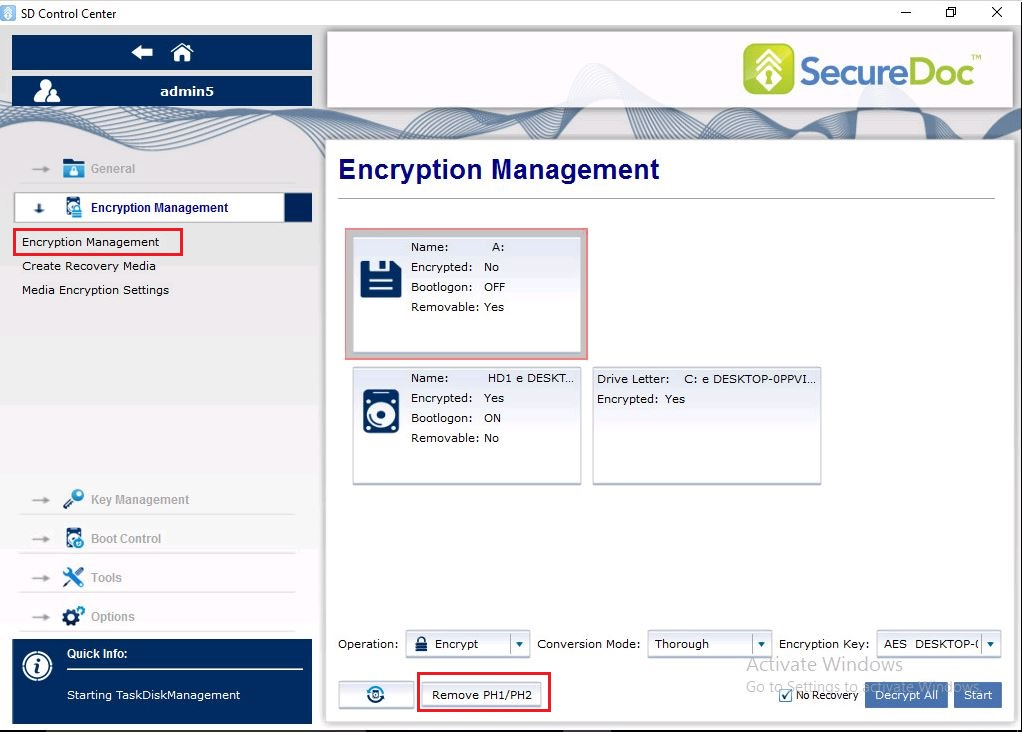
Step 4: Click on Yes to continue > Click OK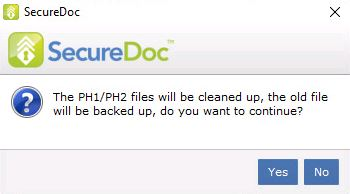
Step 5: Restart the device
Step 6: Restart the conversion process again.