Issue:
SDConnex logs generate 0x7037 errors when the Securedoc client is requesting SES for a user key file during the user provisioning to identify the owner.
Symptom:
The reported issue can occur during an upgrade from 6.4 to 7.1SR1 and during fresh installed of 7.1 or 7.1 SR1.
After the encryption has completed, the device is stuck in Temp Autoboot state and no owner has been identified. The provisioning rule is set to automatically identify the owner, but the user is prompted to register as the owner.
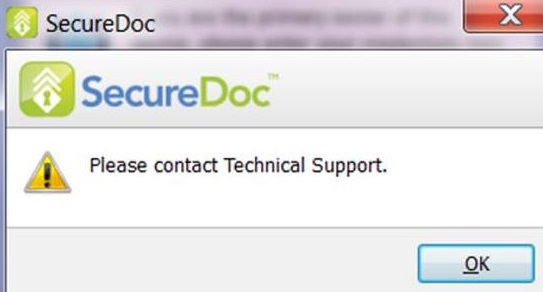
Customer received an error 0x7037 in SDConnex Event Viewer Log after entering username and password.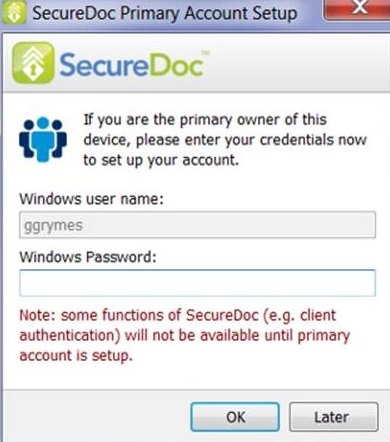

Probable Causes:
SD 7.1 and 7.1 SR1 fail to validate the username correctly with Active Directory using the UPN name.
When upgrading the device from 6.4 to 7.1 or 7.1 SR1, it fails to validate the correct AD accounts with the correct and updated password.
Product version affected:
SD 7.1 and 7.1 SR1
Software encryption
Environment (OS/hardware/software):
Windows 7 and 10 64 bits
Various devices affected
Resolution:
Installing SD 7.1 SR2 on a device will resolve the issue for the user authentication imported from AD in the customer’s environment where neither UPN nor other domain-based formats are used.
The design for provisioning will also correct the use of the current AD password and overwrite the old password in SES.
Internal Reference:
SD-16654
SD-17550
SD-17012
1624 Error 0x7037 When Assigning Ownership During 7.1 Provisioning
- Updated on Feb 6, 2026
- 1 minute(s) read
- VN
Was this article helpful?