Issue:
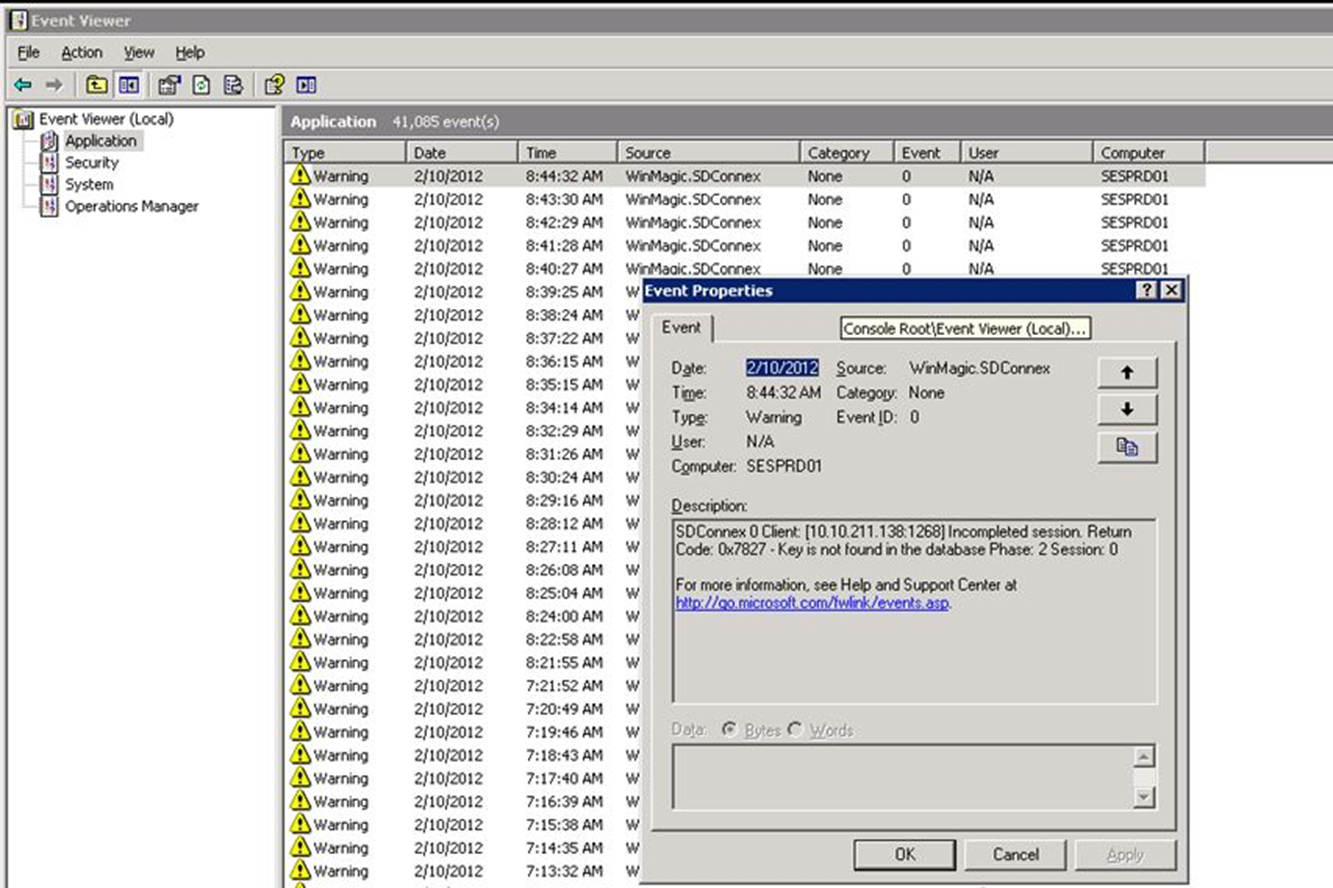
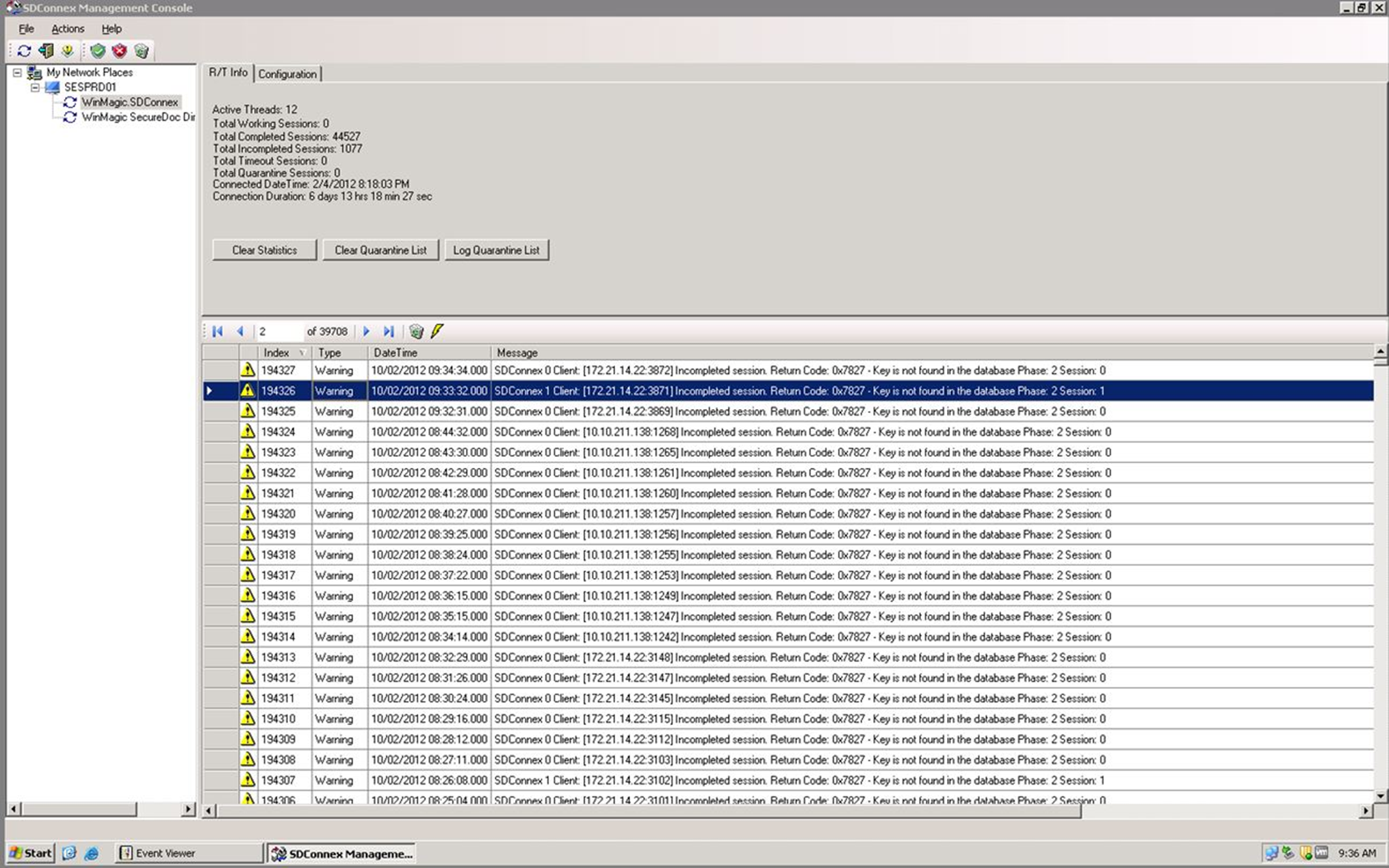
Devices generating the “Error 0x7827 Key is not found in the Database”
Symptom:
Error message will be display on the device as it may not be able to communicate with the server successfully.
The SD event log may also display the error:
Cause:
The error “0x7827 Key is not found in the database” means the encryption key could not be found in the database.
Product version affected
- SD-6.2SR2 and newer versions
Environment:
- Encrypted Windows 7 devices
- Windows 2008 R2 and SQL 2008 R2
Troubleshooting:
Resolution A:
- Delete the device that generating the error from SES console (unmatching unique ID).
- Have the device communicate back to the server to restore the proper device information
Resolution B:
- Determine if it is an HP device with HPDE.
- Determine if the customer is upgrading the device from HPDE to SecureDoc or not.
- Restart the device and have it communicate successfully to the server to see if the new key will be updated or not.
Resolution C:
On client machine, verify whether or not the entry ComputerUniqueID is not missing or deleted from the SecureDoc.ini file. If there is no ComputerUniqueID value then you would need to export this value from the SES database and re-add it in SecureDoc.ini file.
Please note the data we saved in SecureDoc.ini is ASCII UNICODE. For example, if you see ComputerUniqueID in database is 5769…., the value should be 3500370036003900…. 3500 is the ASCII UNICODE FOR 3.
HKEY_CLASSES_ROOT\Installer\Products\04E087C83A8E47C4486AF59B1BFA4B95
The UniqueID in the securdoc.ini is actually Unicode so 3500 = 5, 3700 =7, 3600 =6, 3900 =9... So it is the same, just one is written in ASCII (SES) and one is Unicode (Securdoc.ini).
3000 | 0 |
3100 | 1 |
3200 | 2 |
3300 | 3 |
3400 | 4 |
3500 | 5 |
3600 | 6 |
3700 | 7 |
3800 | 8 |
3900 | 9 |
6100 | a |
6200 | b |
6300 | c |
6400 | d |
6500 | e |
6600 | f |
You could add in the Computer’s Unique ID to c005211 by using the chart above so it would be something likes:
fedcd4431dba92277bf8b70ed0900ae0
Would convert into:
66006500640063006400340034003300310064006200610039003200320037003700620066003800620037003000650064003000390030003000610065003000
The entry is in the database under the computer table.
If all the suggested troubleshooting fails, please collect all the logs from the device and from the SES Server and provide these to customer support.
Internal Reference:
- SF-53538
- SF-48331
- SF-45843