Issue:
This article addresses the issue of when configuring AD-Sync and encounters the “Error calling EncryptBDDataWithAdminsKey()”
Symptom:
During the configuration of the ADSync, the administrator is able to enter the server name, user name, and password. The admin is able to click on Browse Forest and it would populated the Root Naming Context. Once the admin clicks OK he gets the error "Unhandled exception has occurred... Error Calling EncryptBDDataWithAdminsKey())".
It will not allow the administrator to import AD information.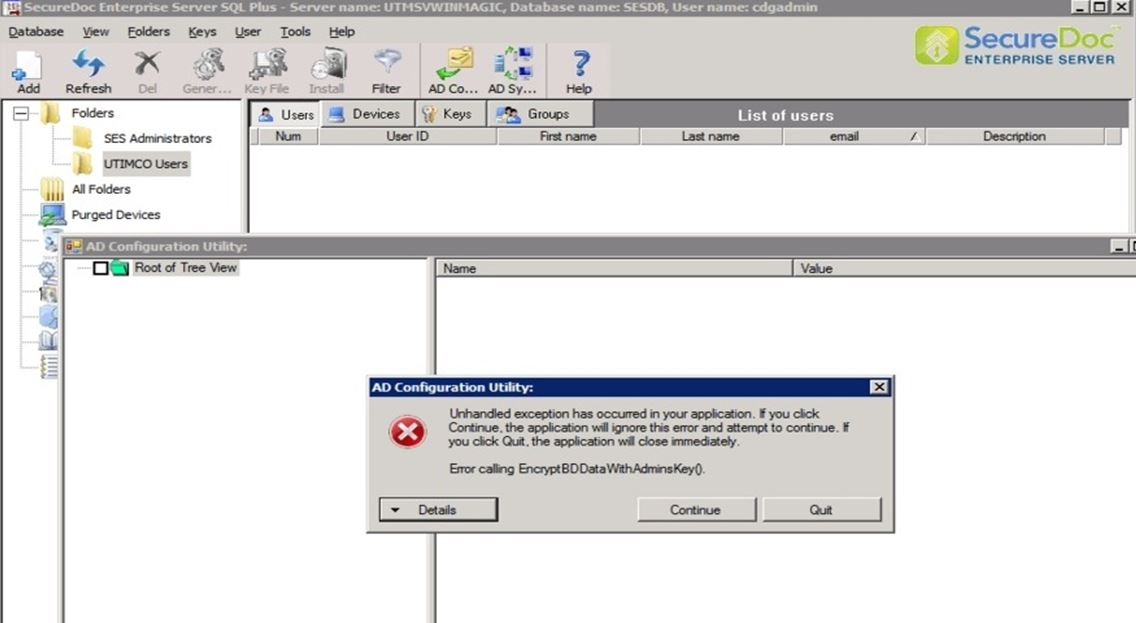
Probable Causes:
The administrator may not have configured the SES and AD-Sync properly.
Product version affected:
SES 5.3 SR2 and new version
Environment:
Windows Server 2008 and newer
Informational Gathering and Troubleshooting:
-Verify that the .Net Framework 3.5.1 and MS C++ Redistributable Package are installed.
-Verify SD Connex is configured and running without errors
-Verify if the same master keyfile and database used are the same as in the SES Console.
- Check the configuration settings for setting up the SES and AD Configuration. It’s most likely that the administrator did not enter the correct information. Also check the network credential login information and access rights to SQL and so forth.
-If after verifying all information to be correct and the error stills persist, click on the button “Details” to obtain the detailed errors captured in a text file and send it to customer support for analysis.
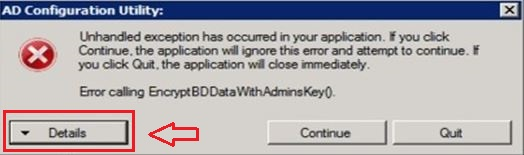
-Obtain the ADSync detailed traced log.
-Please refer to KB 1593 How To Collect SDConnex and ADSync Logs
Internal Reference:
SD-174
1601 Error calling EncryptBDDataWithAdminsKey()
- Updated on Feb 6, 2026
- 1 minute(s) read
- VN
Was this article helpful?