Issue:
Error message appears when creating an emergency disk from the SES console.
Error number: 7824 Incorrect Data Length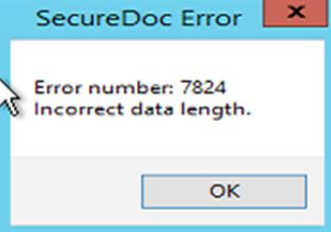
Symptom:
Customer is not able to create an emergency disk for a defective device from the SES console until the error has been resolved.
Probable Causes:
This error is caused by a limitation on the size of the Emergency Disk structure. This will usually occur when a large number of users have access to (and therefore local keyfiles) on the device. The Emergency Disk tries to add each of these users, and eventually runs out of space to do so, and throws this error.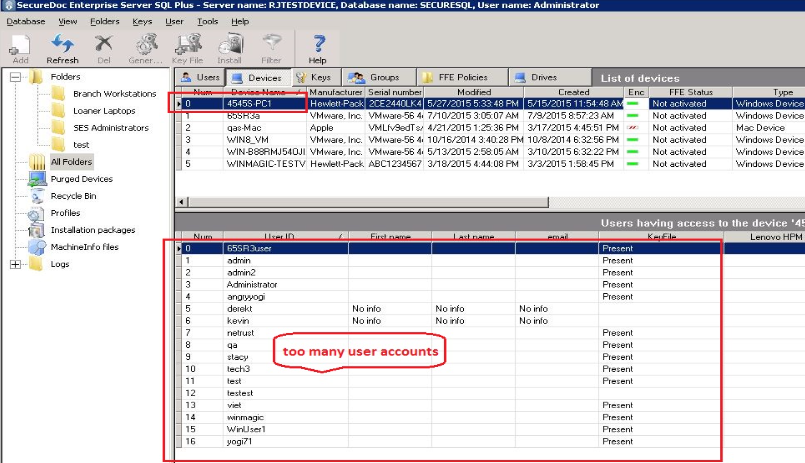
Product version affected:
All SD versions
Environment:
All Windows OS versions
All devices
Informational Gathering and Troubleshooting:
Determine the number of users currently listed to access the device in SES console
Resolution:
Delete user accounts that have not access the device recently. For example if there are 15 users accounts accessing the device, try removing one account at a time until creating emergency disk is successful.
Internal Reference:
SF Case: 64933, 70668
1537 Error number: 7824 Incorrect Data Length when creating Emergency Disk
- Updated on Feb 6, 2026
- 1 minute(s) read
- VN
Was this article helpful?