How to import device data from offline installations into SES?
Article Summary
This articles describes how to perform offline installation and how to import device data from offline installations into SES.
Offline installations create a file with the extension SDI in the folder C:\Program Files\WinMagic\Securedoc-NT\Userdata.
This file contains user, key and device data, and it can be imported into SES. This allows you to carry out a challenge response (if needed) with the client, and also to create an emergency disk.
Procedure:
- Create a new profile and and a new package, both called 'Offline'.
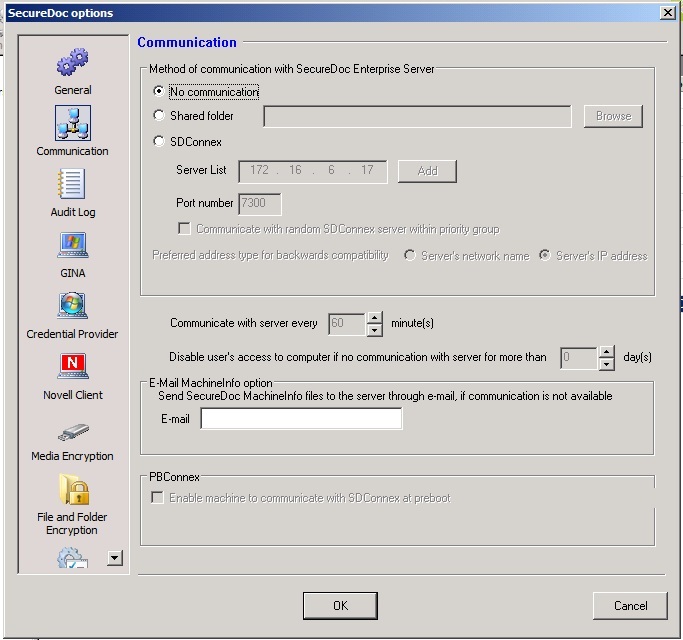
- In the profile under the Communication section, make sure 'No Communication' is selected.
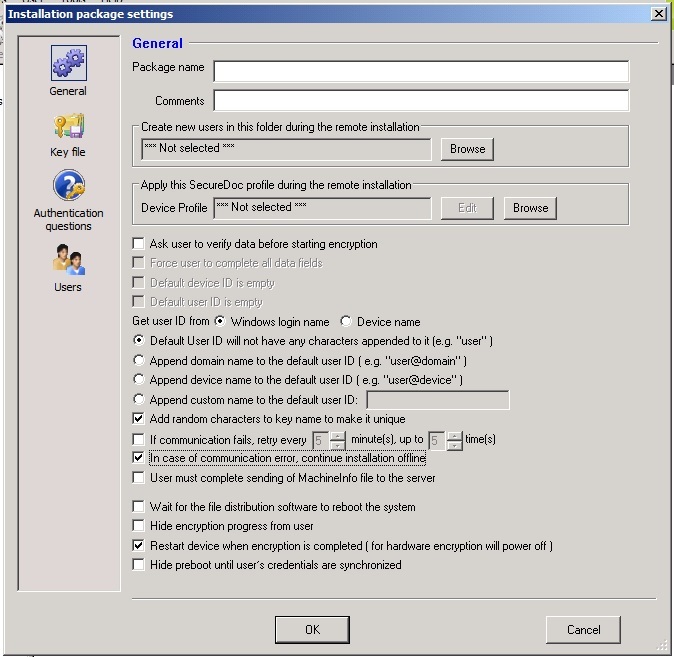
- In the installation package, select "In case of communication error continue installation offline".
Custom Fields
Operating System: Windows
Product_Documentation: Yes
Version: Affects all versions of SD