Issue: This issue was encountered on a device on which SecureDoc PBLU was deployed, the device was encrypted and the option was enabled to Convert to Token protection with the phone token protecting the user's Key File.
Upon logging in the user encountered the dialog that prompts to convert to token-protected key file. The user entered his password and clicked Login.
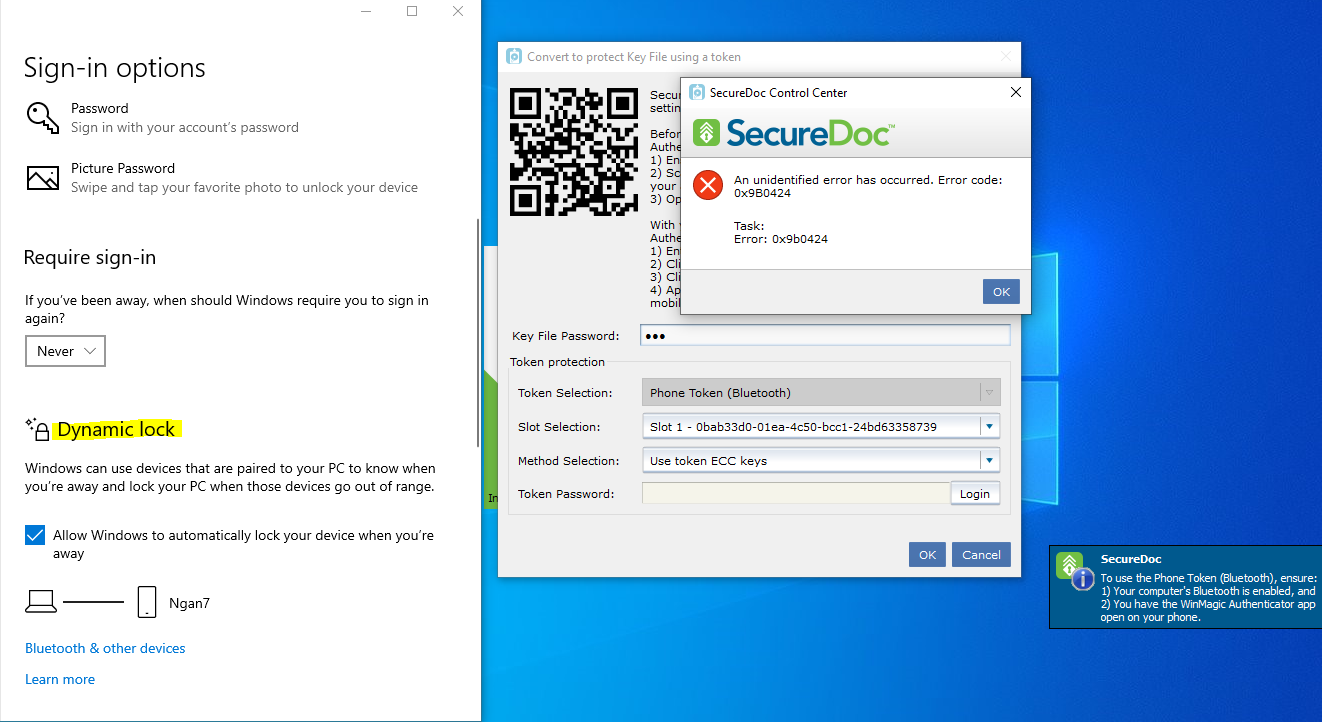
Instead of being prompted to "Authorize" conversion to phone-based Key File protection to complete the conversion, the user encountered error message "An unidentified error has occurred. Error code: 0x9B0424".
Affected Version: SES 9.0 SR2
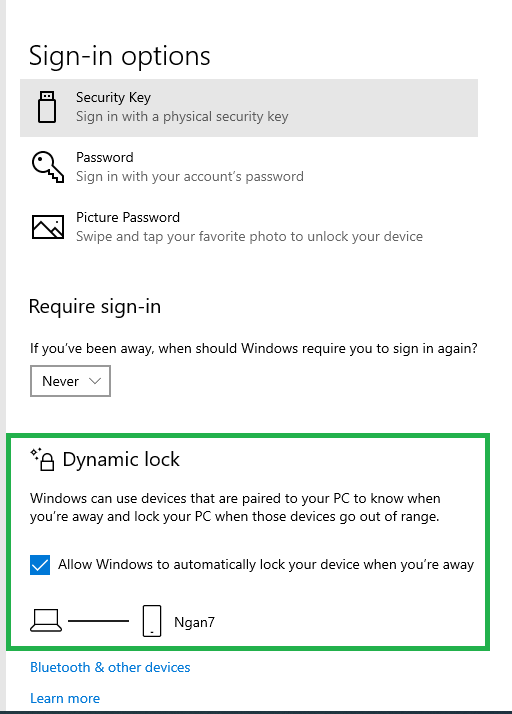
Solution: This issue does NOT occur where the Phone has been Bluetooth-paired and the Dynamic lock feature is disabled, so until a solution is found to this limitation, customers are requested to disable the Dynamic Lock feature in Windows.
If the problem persists after disabling Dynamic Lock, search for “iphone” as a hidden device in Device Manager under "Portable Devices" and uninstall it.
You may also need to check if FidoEazy (under Bluetooth) and Apple iPhone (under Portable device) are listed - and remove them.
Then in Device Manager - disable and then re-enable Bluetooth device
Reboot the computer.
The user should now be able to login at SecureDoc Pre-boot, SecureDoc Credential Provider and into SecureDoc Control Center using Bluetooth.
Internal reference SD-43542