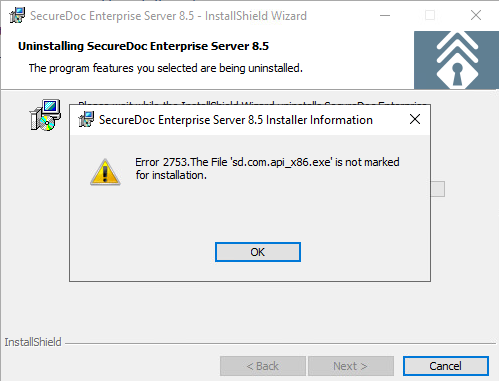
Uninstall SES failed with Error 2753. The File 'sd.com.apix86.exe is not marked for installation
Product version affected:
SecureDoc 8.5 SR2
Environment:
Windows Server 2019
Issue:
During the SecureDoc uninstall process the error occur and not able to remove SecureDoc in the Server.
In Program and Features select SecureDoc and click Uninstall.
The error shows SecureDoc Enterprise Server 8.5 Installer Information.
Error 2753. The File 'sd.com.apix86.exe is not marked for installation.
Workaround:
Use Microsoft uninstaller.
Warning: The Server will automatically reboot after the uninstall process. Make sure to perform this task during a maintenance window when the Server can be restarted.
Steps:
- Download Microsoft uninstaller. Link below. https://support.microsoft.com/en-us/help/17588/windows-fix-problems-that-block-programs-being-installed-or-removed
- Run the installer.
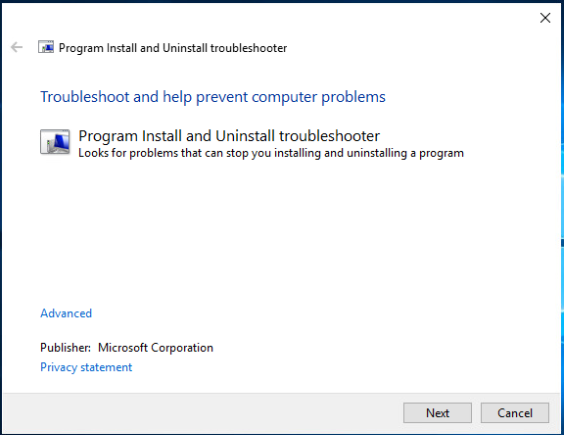
- Click Next.
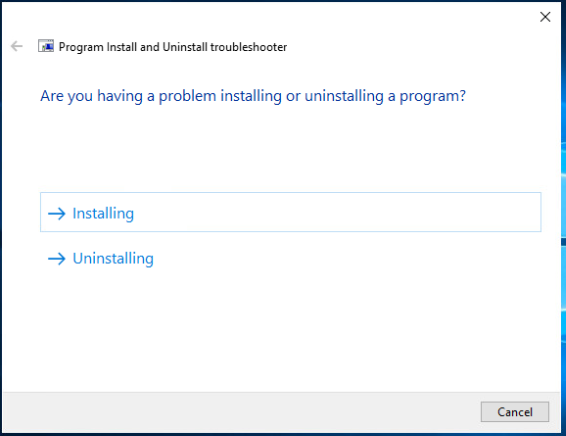
- Click Uninstalling.
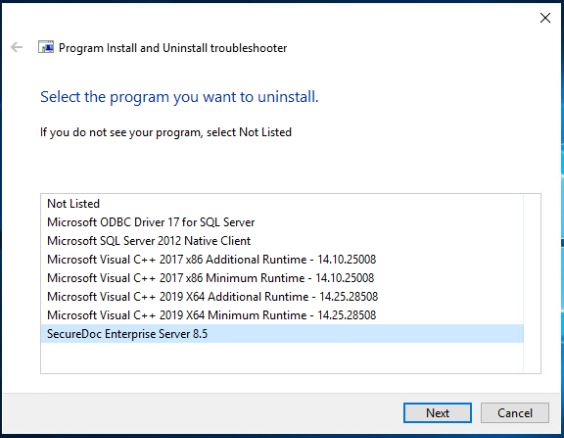
- Select SecureDoc Enterprise Server and click Next.
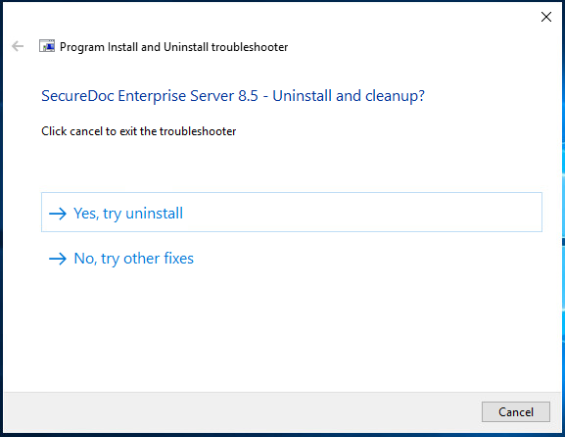
- Click Yes, try to uninstall.
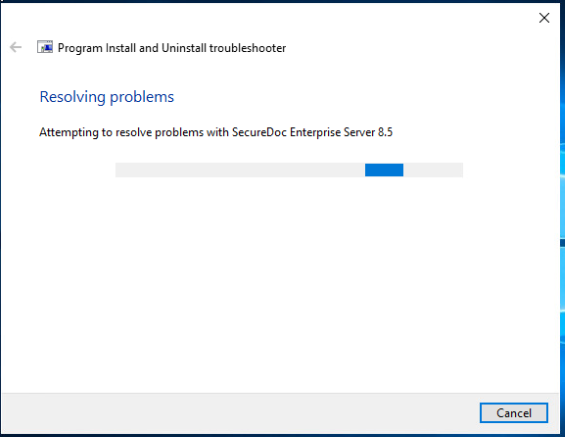
- SecureDoc is successfully removed and the Server will restart.