Title: Recommendation on the actions required to ensure the successful SD functionality on a (Dell)laptop while docked to a Thunderbolt docking station – and all possible connected peripherals external monitors, external keyboards and other USB removable devices.
Summary: Recommendation on the actions required to ensure the successful SD functionality on a (Dell)laptop while docked to a Thunderbolt docking station – and all possible connected peripherals external monitors, external keyboards and other USB removable devices.
Environment Info:
Dell Laptop
Thunderbolt Docking Station
Required configuration:
SD configuration
For SD is simple – we just need to ensure that PBLU boot loader is used.
BIOS settings
For BIOS, it will be the following “must-have” settings:
BIOS configuration is set:
System Configuration - USB Configuration - Enable USB Boot Support
System Configuration - USB Configuration - Enable External USB Port
System Configuration - Thunderbolt Adapter Configuration - Enable Thunderbolt Adapter Support
System Configuration - Thunderbolt Adapter Configuration - Enable Thunderbolt Adapter Pre-boot Modules
System Configuration - Thunderbolt Adapter Configuration - Enable Thunderbolt Adapter Boot Support
System Configuration - Thunderbolt Adapter Configuration – Security level=No Security
Post Behavior - Fastboot – Thorough
Drivers and Firmwares
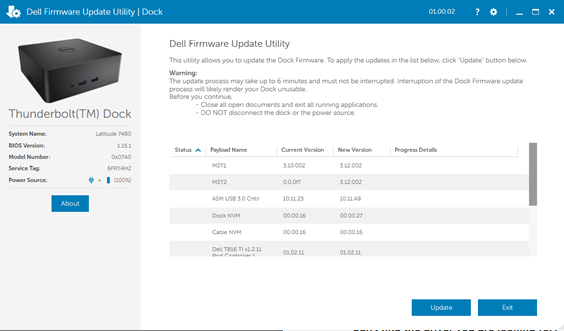
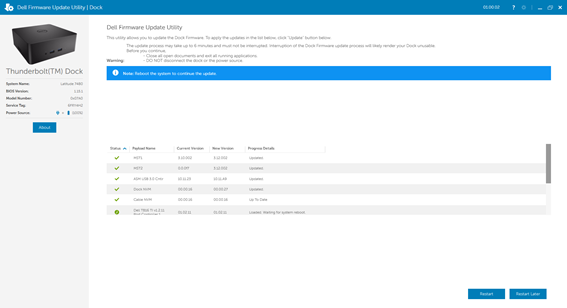
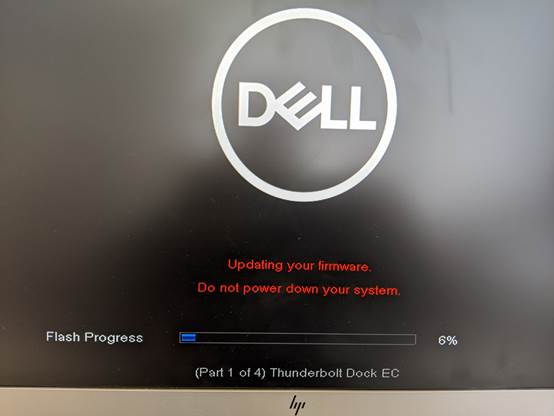
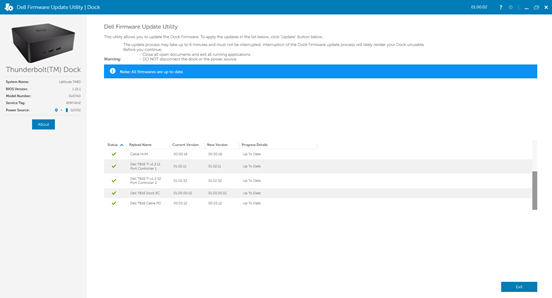
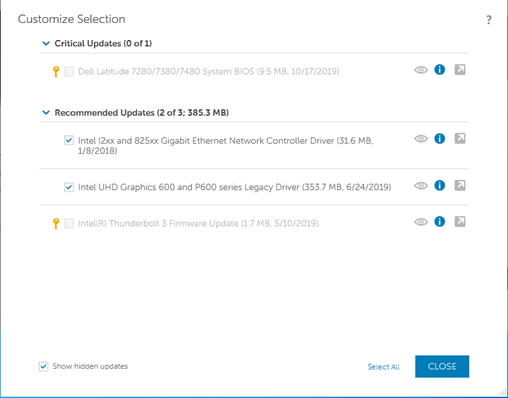
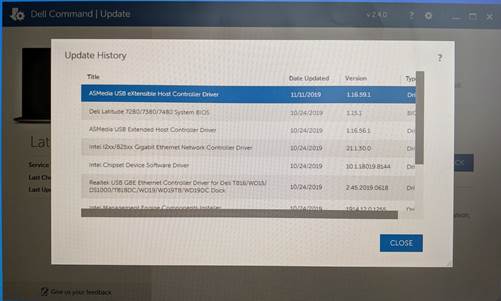
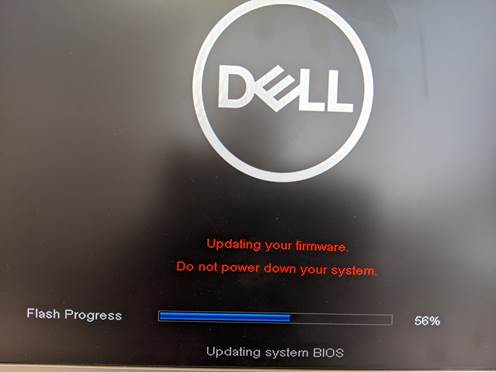
Use the DELL Update Command application tool to ensure that the latest BIOS firmware and laptop drivers are up to date