Topic:
This How-To article describes how to disable the ADSync log.
Currently, the RLG log file is created by default for AD synchronization. Situations may arise whereby the file is getting too big and could impact the SES server (and potentially the SQL server if SQL is running on the same server as SES).
Product version affected:
All versions of SD
Environment:
Windows Servers
Steps to follow:
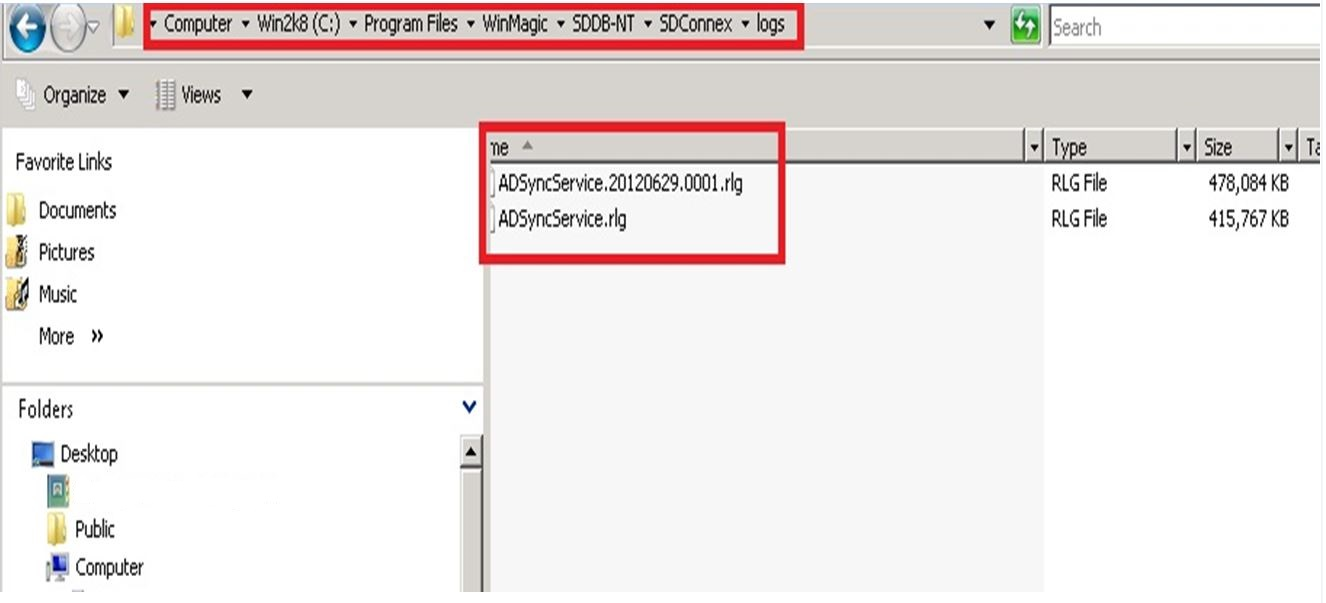
1. Open the following file:
WinMagic->SDDB-NT->SDCOnnex-> WinMagic.SecureDoc.ADSync.Service.exe.config
2. Look for the following lines in the file:
<listenerGroups active="Release">
<group name="Release" enabled="true" maskIdentities="false">
<destinations>
<destination name="BinaryFile" enabled="true" filter="" details="BinaryFile[path=$(workingdir)\logs\ADSyncService.rlg; autoSave=save1]"/>
<destination name="Viewer" enabled="true" filter="" details="Viewer[spawn=false]" />
<destination name="EventLog" enabled="true" filter="" details="EventLog[source=ADSyncService; eventID=9002; categoryID=0]"/>
</destinations>
</group>
</listenerGroups>
3. Disable the binary logs:
<destination name="BinaryFile" enabled="false" " filter="" details="BinaryFile[path=$(workingdir)\logs\ADSyncService.rlg; autoSave=save1]"/>
The required change is shown in red, above, changing enabled="true" to enabled="false", which will disable logging to that file.
Reference information:
https://knowledgebase.winmagic.com/admin/preview-articles.php?id=179