Issue:
SDPin error after loading into Windows OS:
SDService is not running, Error code: 0

Symptom:
SDservice.exe is not running in the background.
Unable to open SD Control Center
Product version affected:
All SD versions
Environment (OS/hardware/software):
All Windows OS and devices
Resolution:
- Check to see if "SDService.exe" is running or not
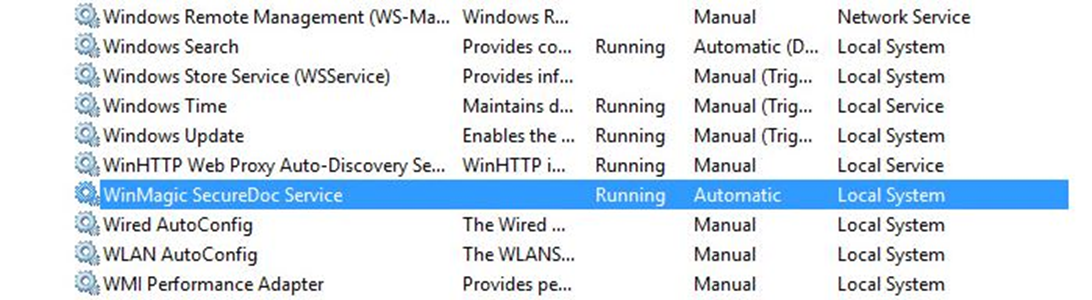
- Open the Computer Management > Services > WinMagic SecureDoc Service > check to see if the service is running or stopped.
- If it has stopped > click on start
- Ensure the Startup Type is set to Automatic
- See if the SD Control Center can be open and can log in or not.
- Restart the device to see if the issue still persists or not.