Issue:
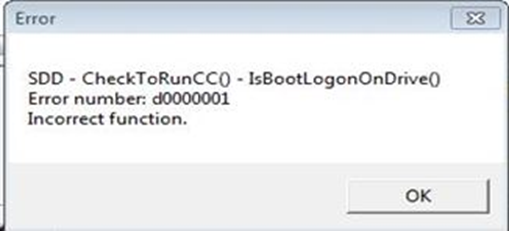
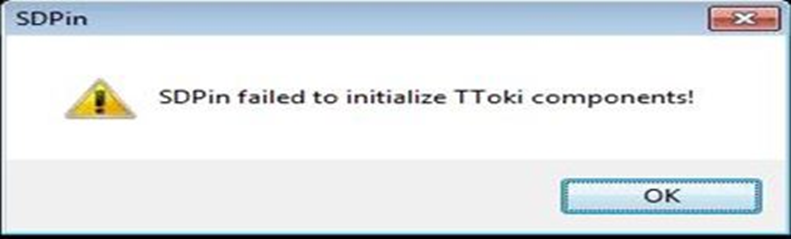
The following errors appear during the SecureDoc installation:
- SDD - CheckToRunCC() - IsBootLogonONDrive() Error Number: d0000001 Incorrect Function
- SDPin Failed to initialize TToki components
Symptom:
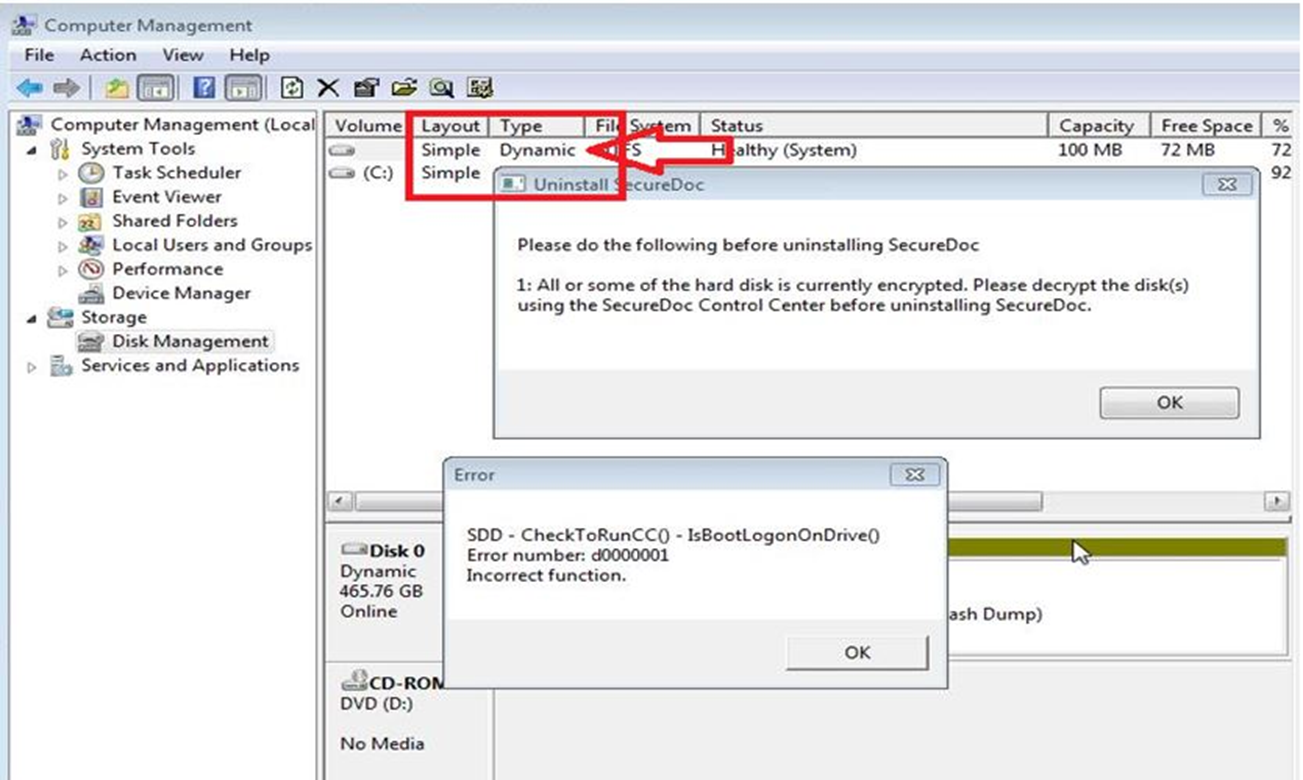
Probable Causes:
- The disk is setup as Dynamic rather than Basic
- SD does not support software RAID
Product version affected:
All SecureDoc versions
Environment:
All Windows OS and devices
Informational Gathering and Troubleshooting:
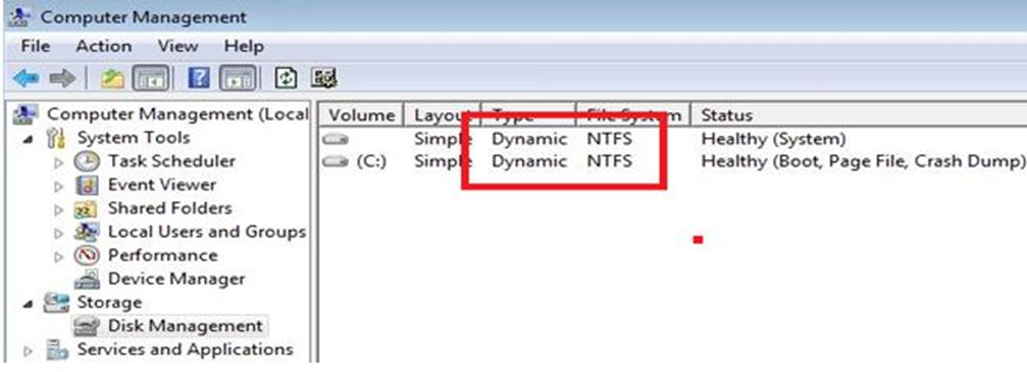
- Check Computer Management and determine how the disk is setup.
- Determine if it is setup as Basic or Dynamic disk
- Determine what type of hard drive SED or SATA drive
- Determine what type of hard drive controller is setup - Software or hardware RAID
- Note: SecureDoc does not support Software RAID
- Determine if an external device is connected to the client device such as a camera with an internal drive storage. Disable the encryption of external media can resolve the issue
- Determine if SecureDoc is installed on a computer running dual boot with Windows and Linux, encryption must be done through Windows, or the Linux partition will not be accessible.
- Note: Dual boot systems do not currently support USB encryption. Boot Logon may not be installed on some SCSI disks, so SecureDoc cannot encrypt these disks.
- Note: Running Windows Recovery after SecureDoc has been installed is not supported.
Resolution:
- SecureDoc does not support Dynamic Disk Setup.
- Reinstall Windows OS on this drive and set it to Basic Disk before reinstalling SD.
Internal Reference:
SF 55698, 62290