Unauthenticated Local AutoBoot
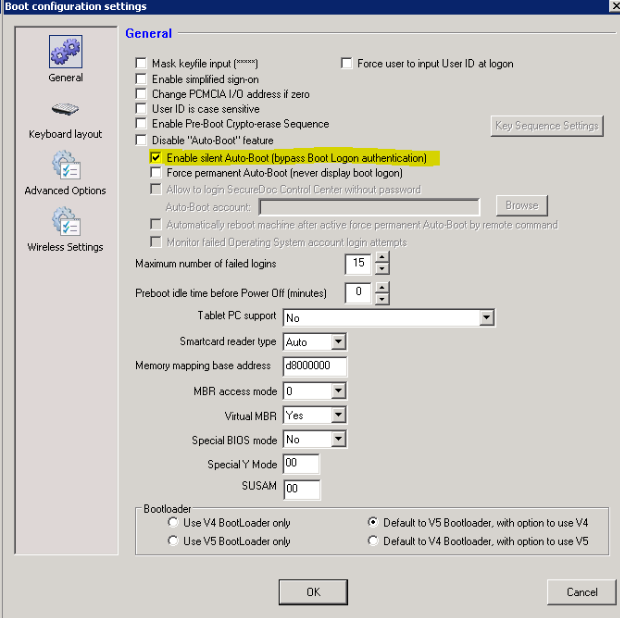
Ensure that "Enable silent Auto-Boot (bypass Boot Logon authentication)” is selected in the device’s profile under [Boot Configuration -> General].
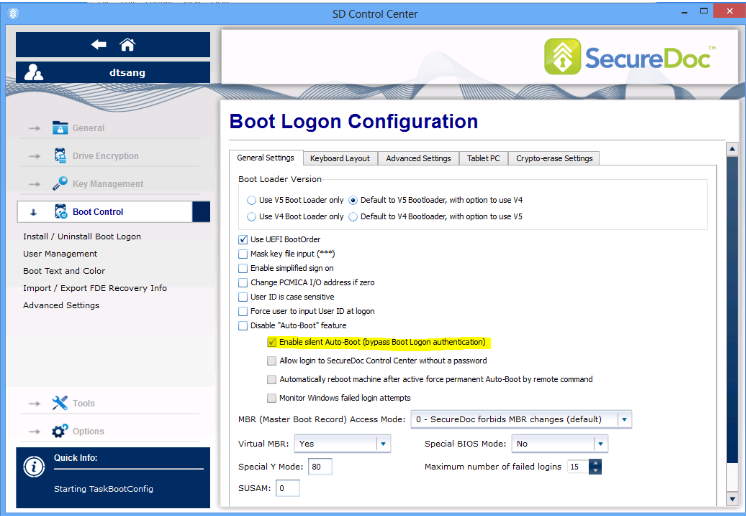
Ensure that "Enable silent Auto-Boot (bypass Boot Logon authentication) is selected in the SecureDoc Control Center locally on the machine under [Boot Control -> Advanced Settings].
Configure the AutoLogin.ini with the following command:
- SDUTIL /u /c”3” /t”3” /Silent
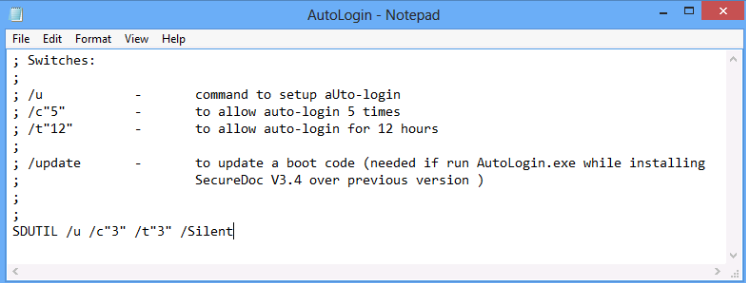
Note:
- /c represents the number of times the device will automatically log into pre-boot authentication screen during X number of hours. In this example, it’s 3 times.
- /t represents the number of hours the device will be allow to log into pre-boot authentication. In this example, it’s for 3 hours.
- /Silent means we will use the current logged in SecureDoc’s credentials to bypass PreBoot
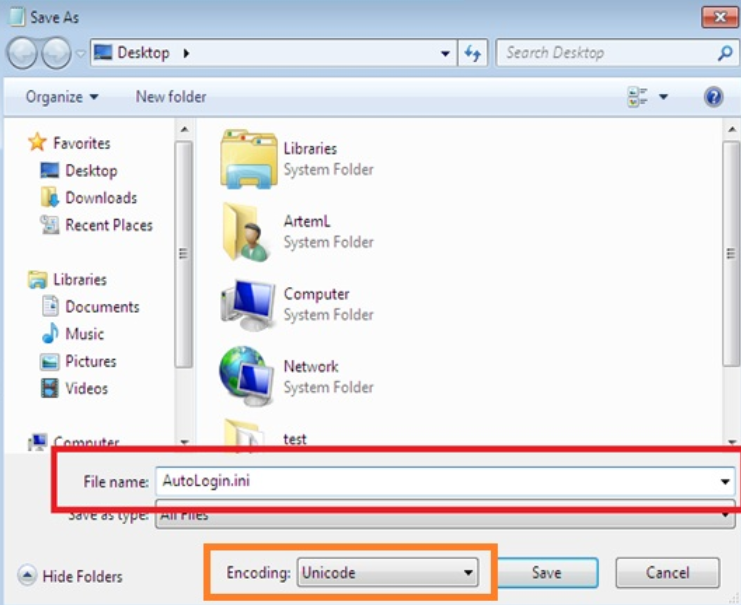
Save the file as type: "all files”
- Encoding: Unicode
Execute the SDBat.exe command:
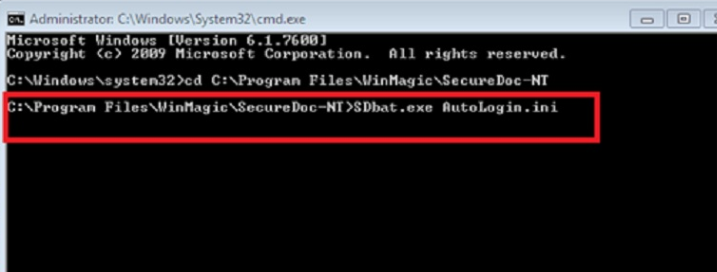
- Open a CMD prompt with Windows Administrator rights
- Change directory to c:\program files\WinMagic\SecureDoc-NT\
- Type at the command line:
- SDBat.exe AutoLogin.ini
- Press ENTER to execute.
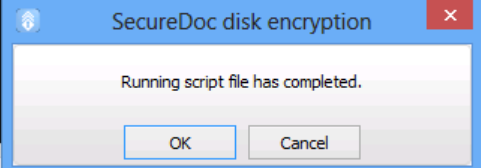
To confirm the script has executed successfully, the following Window will appear:
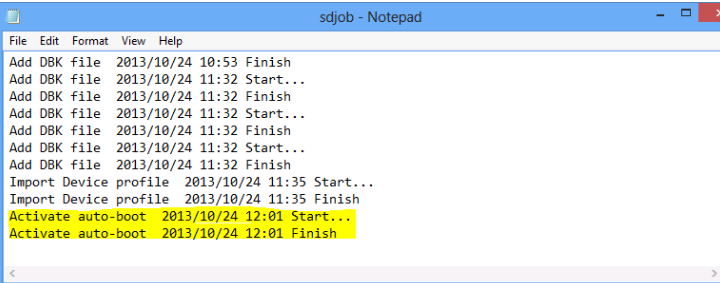
If we navigate to c:\program files\WinMagic\SecureDoc-NT\UserData\SDjob.log
- The following 2 lines will appear:
- Activate auto-boot - Start
- Activate auto-boot - Finish
Reboot, the auto-boot will be activated.