Slow performance when resuming from hibernation
For SecureDoc versions older than 6.2, this decryption process (resume from hibernation) by default uses AES-256 (~40GB/h) instead of AES-NI (~90GB/h). In order toreduce the time required to resume from hibernation AES-NI can be enabled through a profile change. To do this on the local machine, please follow the instructions below:
The system needs to run under Version 5 PreBoot PBL ( If this setting is enabled, V4 PreBoot PBA will not work)
- Login to the SecureDoc Control Center locally with SD Admin credentials
- Click on Boot Control -> Advanced Settings -> General Settings
- Set Special Y-mode to 80. (This mode will enable AES-NI.)
- Click on Apply
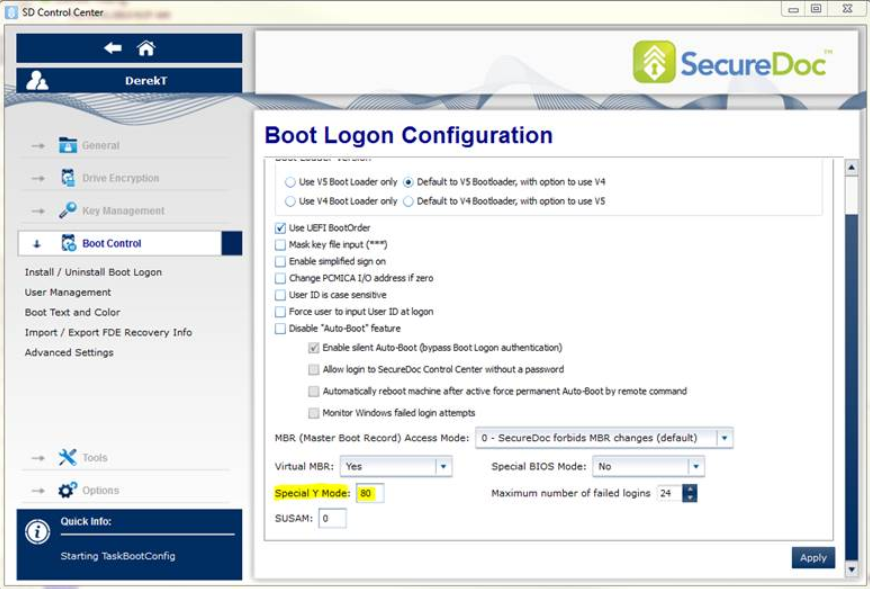
- Click on Apply
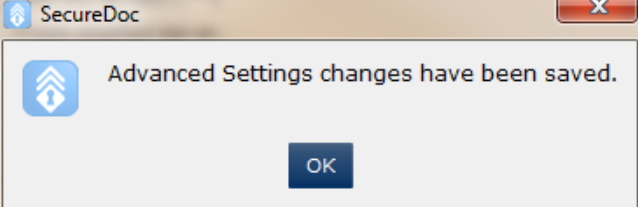
- Click OK to confirm.
- Please now reboot the machine.
- Once it boots into Windows again, please run a Hibernation test to confirm if the time required resuming from hibernate has been reduced.