To change the boot order on local client device:
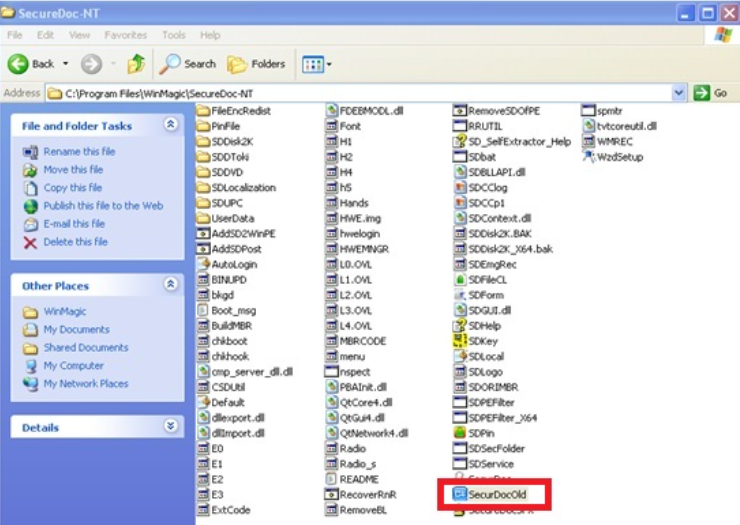
1. Go to c:\program files\WinMagic\SecureDoc-NT\securdocold.exe
2. Log in with a local admin key file.
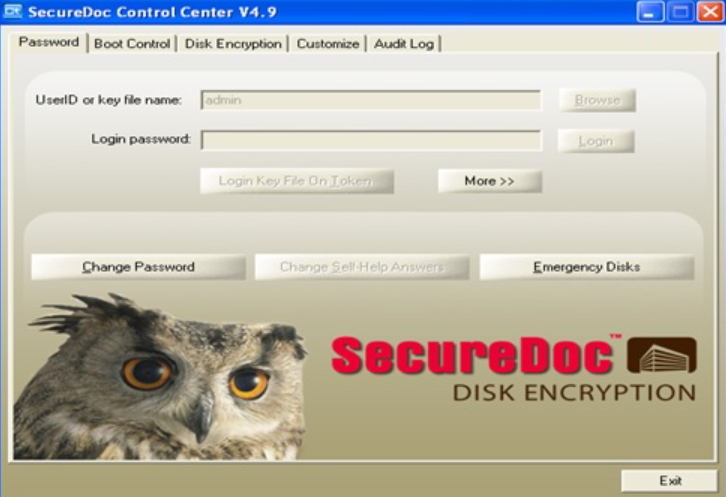
Go to Boot Control, highlight the first slot "Boot001" under File ID and click Import Key File. Select the key file to be assigned to the first slot.
Then highlight the second slot and click import key file. Select the key file to be assigned to the second slot.
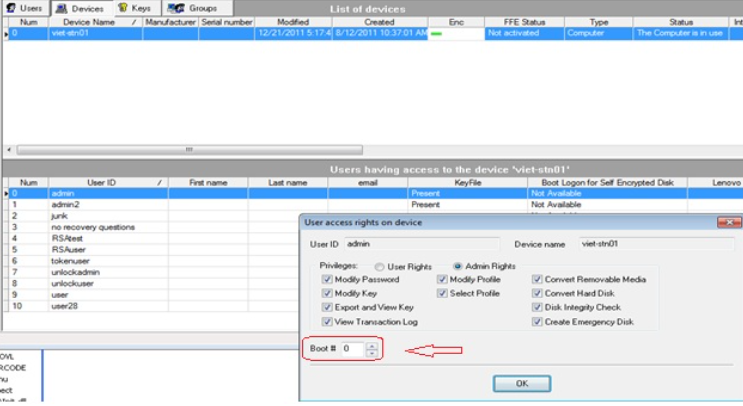
To change the boot order on the SES server:
If the clients are the network, double-click on the user under the device.
Change the boot # for the user and click OK.
Then push down the key file, and restart the PC.