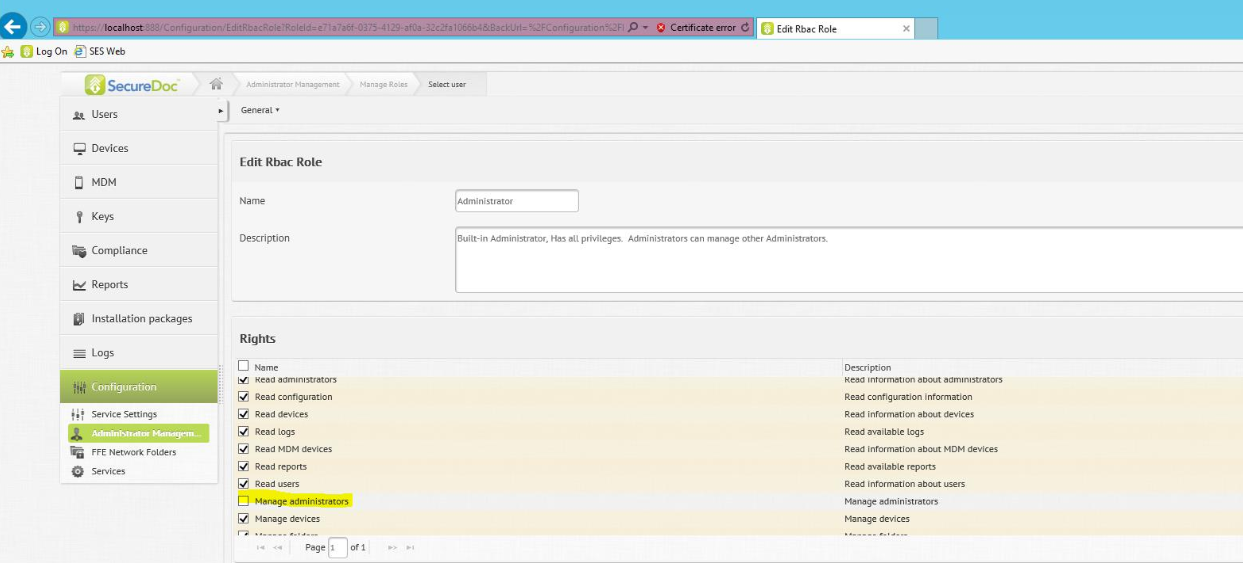
Allowing Administrators to change their own passwords in SDWeb and SES console
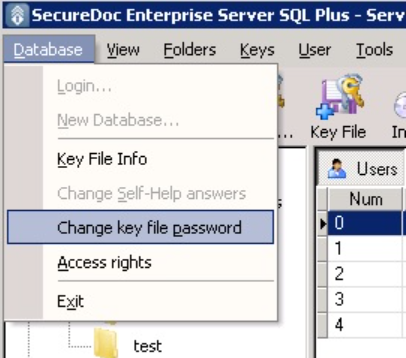
From SES Console: Go to the Menu Bar -> Database -> Change KeyFile Password
From SES Web: Go to Configuration Tab on the left panel -> Administrator Management -> Select the current Admin’s UserID and select “Change Administrator Password” from the Administrators Drop Down in the ribbon.