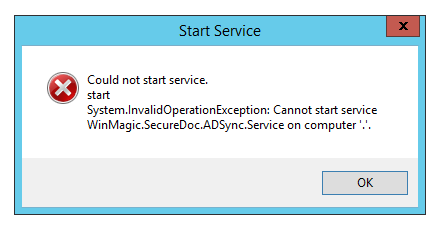
Could not start service. start System.InvalidOperationException Error 1053
After fresh installation or upgrade we may run into issue where SDConnex or ADsync service may not start from SecureDoc Service Configuration.
The following Error is displayed:
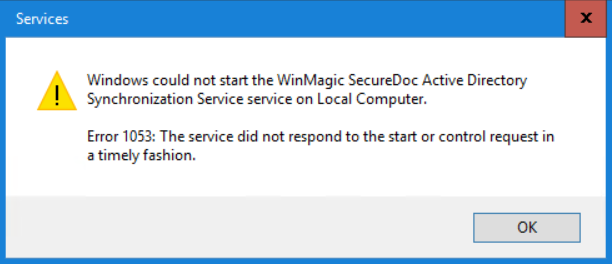
Also when we navigate to Windows services.exe and location our Winmagic.Directory.xxxx or WinMagic.SDConnex.xxxx and attempt to start we receive Default Windows 1053 error:
There are two potential solutions for this issue.
Solution #1:
Install .NET 4.7.2 from the link below. After installation a restart will be required. When logged back into Windows, the services should be able to start without the error.
https://support.microsoft.com/en-us/topic/microsoft-net-framework-4-7-2-offline-installer-for-windows-05a72734-2127-a15d-50cf-daf56d5faec2
Solution #2:
Configure your Windows server to allow more time before services timeout .
HKEY_LOCAL_MACHINE\SYSTEM\CurrentControlSet\Control
- Point to New, and then click DWORD Value. In the right pane of Registry Editor, notice that New Value #1 (the name of a new registry entry) is selected for editing.
- Type ServicesPipeTimeout to replace New Value #1, and then press ENTER.
- Right-click the ServicesPipeTimeout registry entry that you created in step c, and then click Modify. The Edit DWORD Value dialog box appears.
- In the Value data text box, type TimeoutPeriod ( we usually set 600 000 (decimal)) this is about 10 minutes , and then click OK
- After making registry change, restart the device
Custom Fields
|