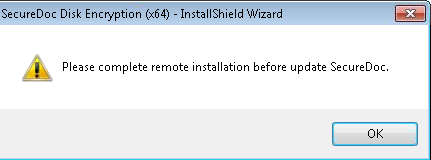
Error: Please complete the remote installation before updating SecureDoc
Symptom
The message "Error: Please complete remote installation before updating SecureDoc" appears when you try to reinstall SecureDoc after a failed installation.
Cause
A Windows registry value is preventing SecureDoc from being reinstalled.
Resolution
1) Make the following change in the registry: Set HKLM\Software\WinMagic\isRemoteInstall to 0.
2) Completely Uninstall SecureDoc from Add\Remove. Then, remove C:\Program Files\WinMagic folder.
3) Reinstall SecureDoc.