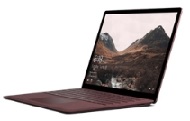
As each Surface keyboard may have different physical characteristics including features hence, there will be differences in the way these devices are identified, including different VID/PID to allow Windows to identify which keyboard is used and, what settings that needs to be used or, drivers which will be loaded.
HID = HID stands for Human Interface Devices. It’s essentially a process standard used to help provide additional information on how device is setup based on it’s hardware signature. During the detection stage, it will identify itself during this process based on the Vendor and Product ID (VID/PID). The Vendor ID for Microsoft Surface Keyboards normally show up with VID_045E however the Product ID can change to which device is used and then initiates a setup process to ensure specific driver and configuration settings are used for proper function takes place.
How to look up the HID/PID/VID in Windows:
For any case in which you may need to obtain hardware ID info for any HID peripheral in Windows, you can perform the following steps:
1. run msinfo32 command:
Click on File then save as an .nfo file.
2. Other method is through Device Manager:
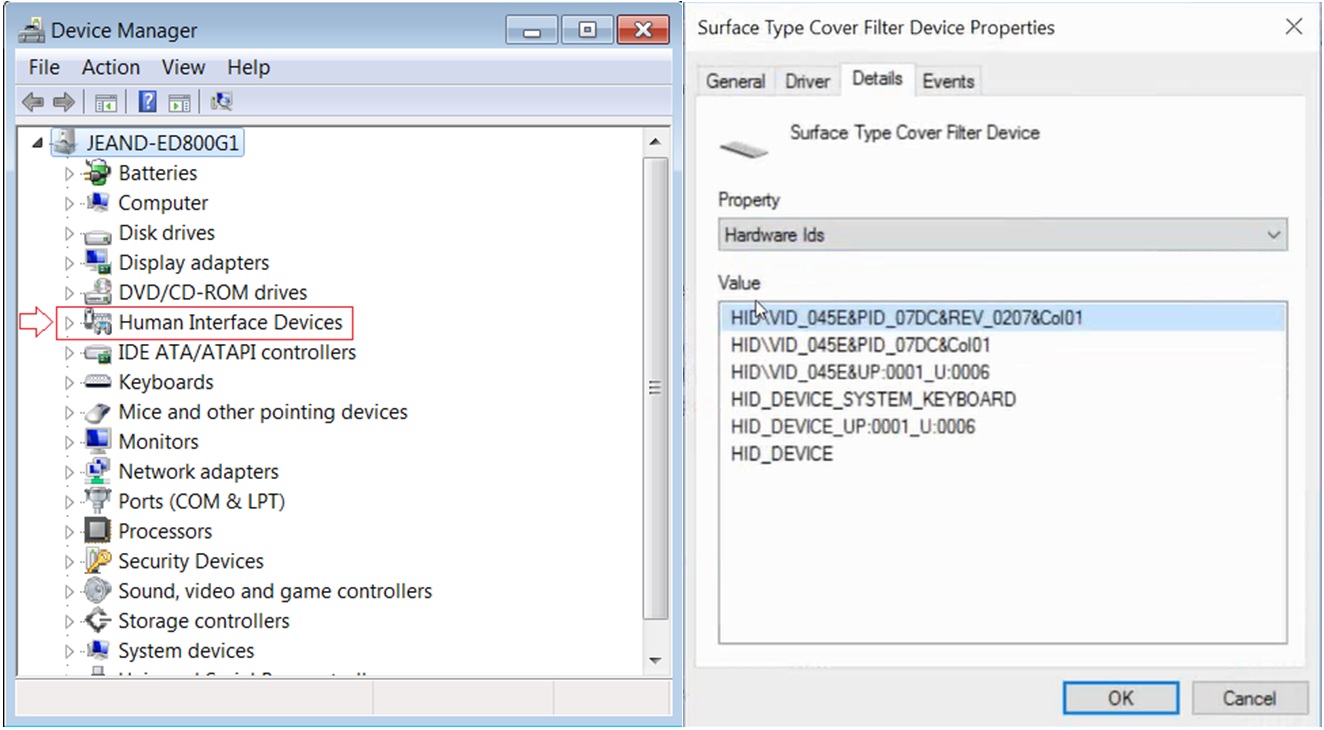
Go to Device Manager and look for Keyboards and then expand to locate the Surface keyboard
In case example, Right click on Surface Type cover device then go to Details tab.
Within the Property section, there is a dropdown which you can then select Hardware Ids.
In this case example, you can see the Vendor ID is VID_045 and the Product ID is PID_070
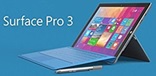
Surface Pro 3
| Released June 2014 | Linux Preboot - Works for both Surface 3 Type Cover Keyboards | |
| |
| |
Surface 3 Type cover | |
| |
Surface Type Cover for Pro 3 | Surface Pro Type Cover | ||
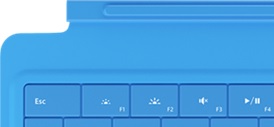
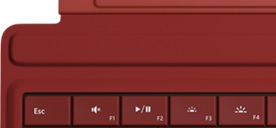
Surface Pro 4
| Released October 25, 2015 | Linux Preboot - Works for both Surface Pro 4 Type Cover Keyboards |
| |
|
| Initially made for Surface Pro 4 but can also be used on Surface Pro 3 and Surface Pro 2017 |
|
 next to arrow keys in the lower-right corner.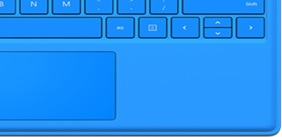
 key.
key.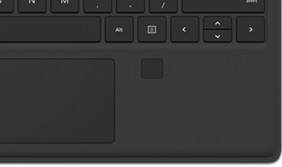
Surface Book
| Released October 26, 2015 | Linux Preboot - Working |
2 full-size USB 3.0 Full-size SD card reader Surface Connect Headset jack Mini DisplayPort |
| |
| ||
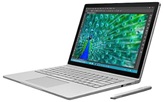
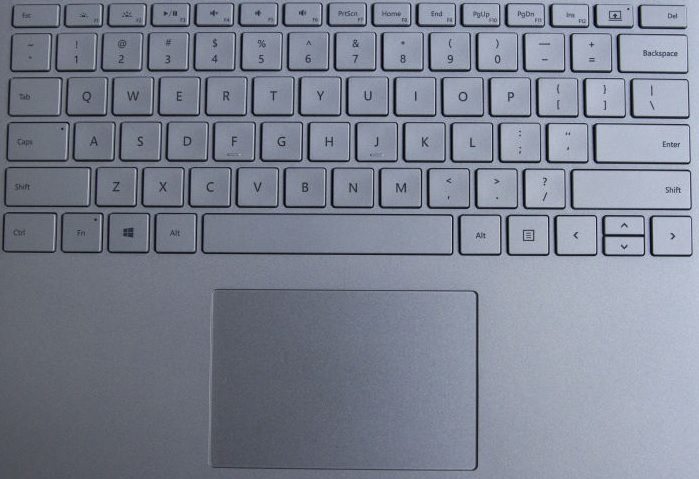
Surface Book 2
| Released Nov 16, 2017 | Linux Preboot - Currently being investigated |
Product ID: PID_0922 Vendor ID: VID_045 | 2 USB 3.1 Gen 1 1 USB Type-C UHS-II SDXC card reader 2 Surface Connect Ports |
|
Keyboard Device | ||
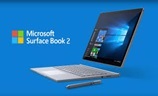
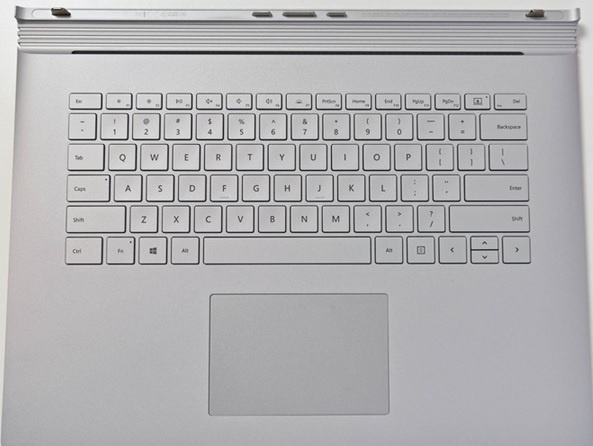
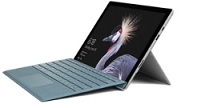
Surface Pro 2017
| Released June 15, 2017 | Linux Preboot - Currently being investigated |
| 1 Full-size USB 3.0 Micro SDXC card reader Surface Connect for Dock DisplayPortCover Port
|
|
Surface Pro Signature Type Cover Keyboard (Released June 15,2017) | ||
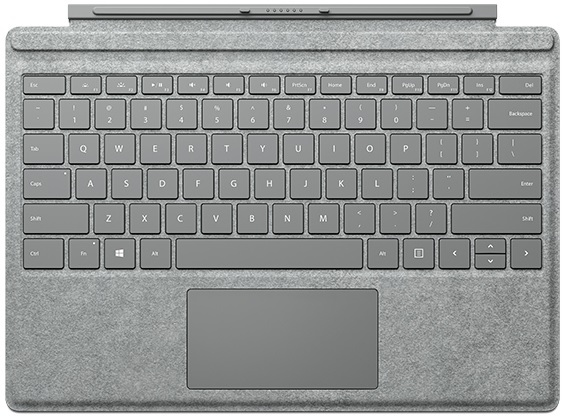
Surface Laptop
| Released June 15th 2017 |
| |
Microsoft released Surface Laptop with LTE support. It’s identical to the base model. |
USB 3.0 mini DisplayPort Card Reader Mouse Pad Surface Connect |
| |
Keyboard Device | USB Input Device | ||
Mouse (trackpad) | |||