Issue:
A new account may try to sign into a SecureDoc device and encounter the error 8998 "Generic Password is Currently Empty".
Product Version Affected:
Up to 6.5SR3 HF2
Resolved in SD 7.1
Environment:
All Windows OS and devices
Troubleshoot:
1. Determine if the Generic password is set or not: From SES > Tools > Options > Key file options - Enable the "Enable Generic Password" option, and fill in the field with a password.
This password needs to conform to your password rules that you have configured in the SES.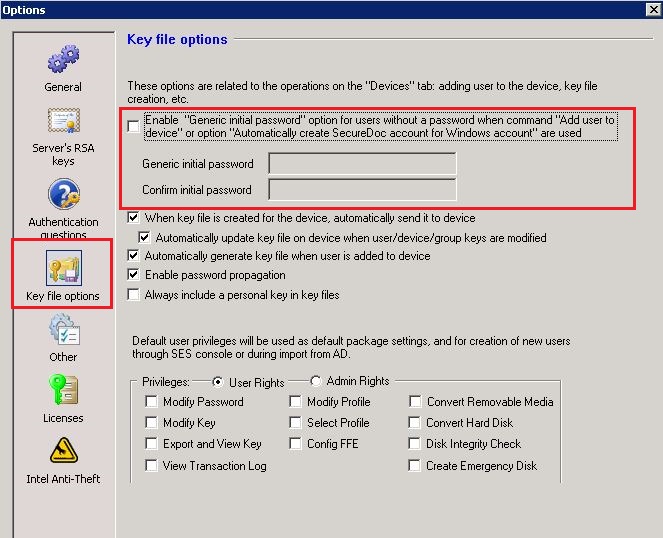 2. Determine if Administrators are pushing users down to a device without passwords. - SecureDoc application prevents administrators from pushing down users without a password.
3. Check if the user has an empty password by right clicking on the user --> Modify User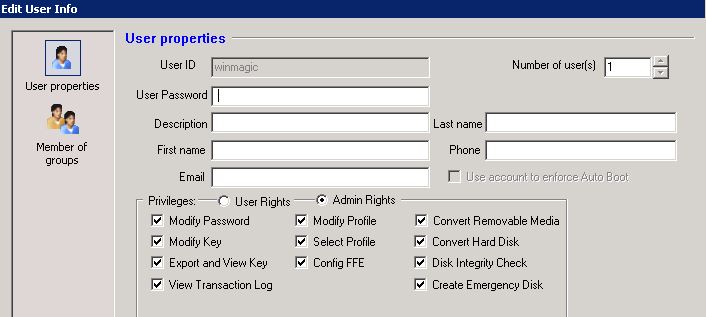 4. Do Challenge Response on the account
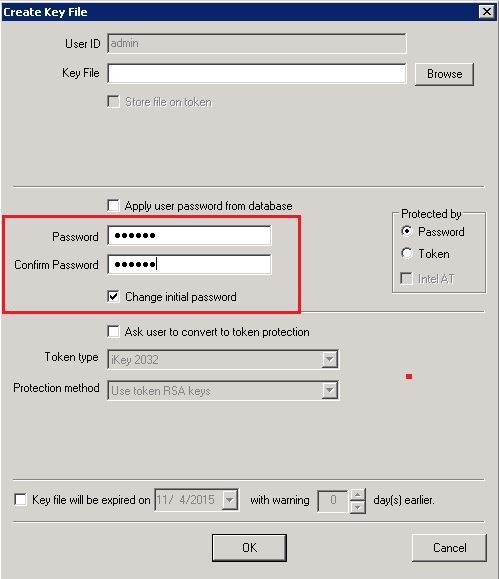
5. Push a keyfile down to device with temporary password and enable "Change initial password".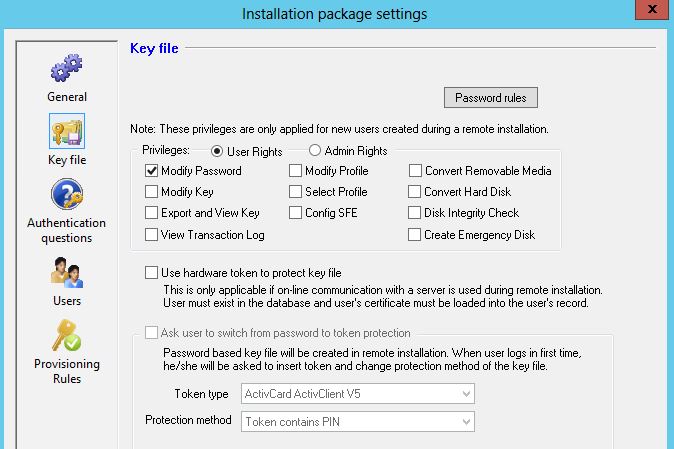
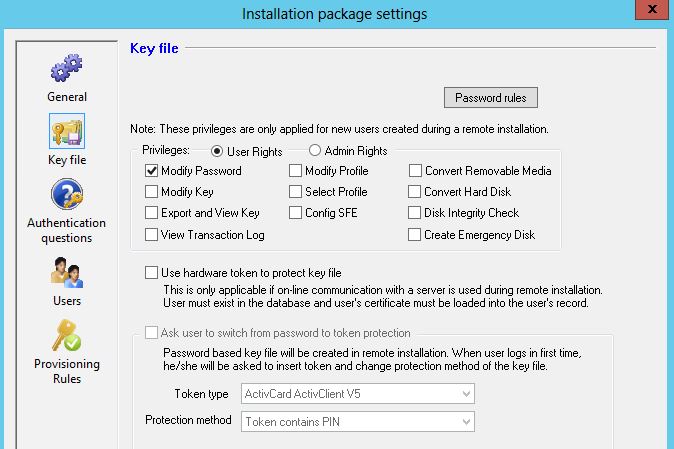
 6. Check within the Installation package, the account may contain an empty password field.
Note:
Starting in SES 7.1, the "Generic Initial Password" option has been removed from the Global Options and in the installation package.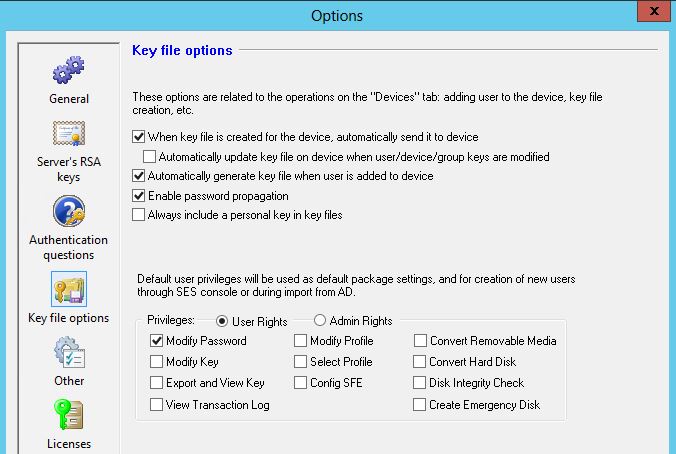
1455 Error 8998 (Generic Password is Currently Empty)
- Updated on Feb 11, 2026
- 1 minute(s) read
- VN
Was this article helpful?