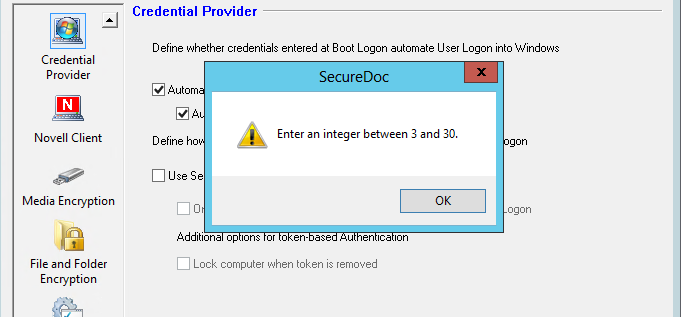
Issue A potential error may occur after upgrading to 6.2 SR2, 6.4 with hotfix, or 6.5. After opening a profile on the Server for the first time, the following message will display.
Note: Does not hinder any function aside from the Automatic Lock.
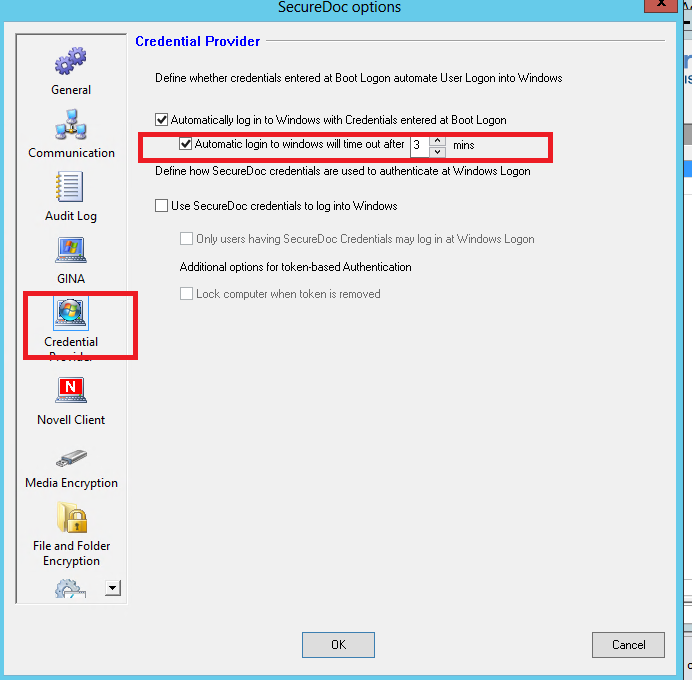
The value in this option is carried over from the previous version to the upgraded version. It refers to the following setting in the Credential Provider for old profiles.
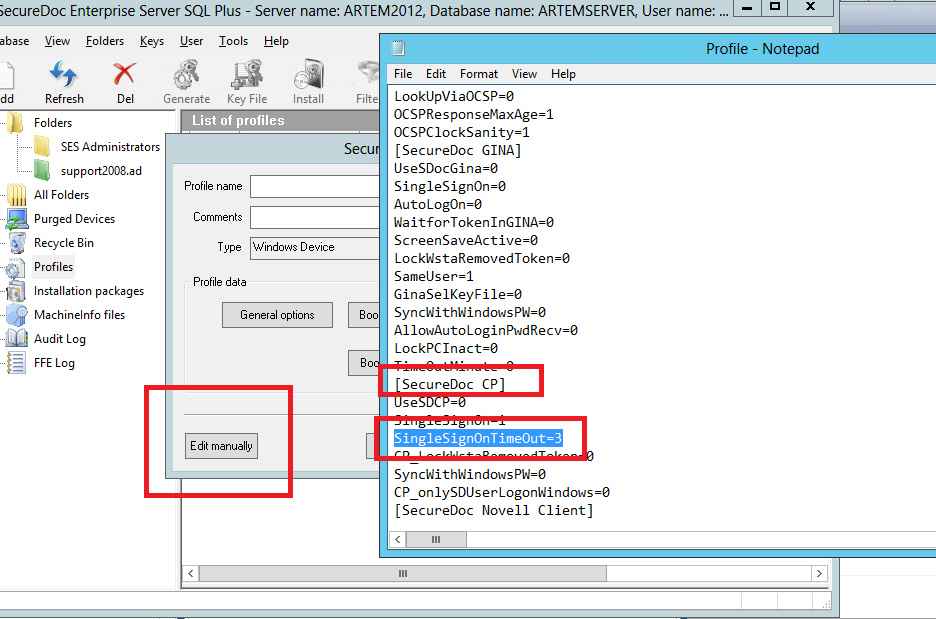
Resolution To resolve this issue complete the following steps:
|
Custom Fields
|
1346 How to resolve integer warning message Enter an Integer between 3 and 30 in SES Console
- Updated on Feb 6, 2026
- 1 minute(s) read
- VN
Was this article helpful?