License Validation Tool Error: "Cannot open Keyfile"
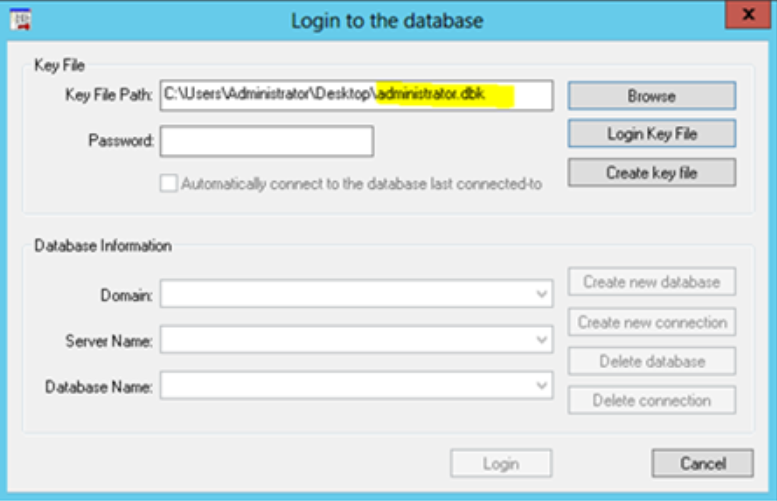
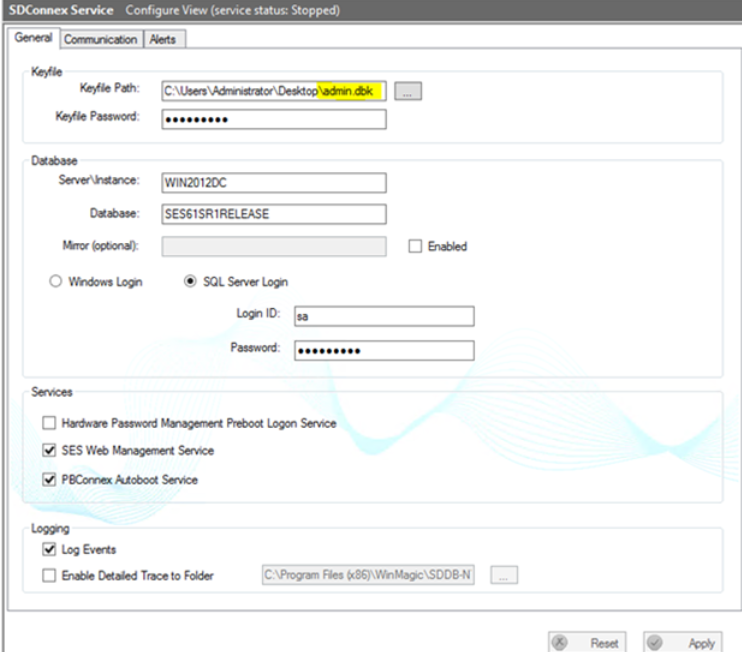
This error will occur when the KeyFile used to last access the SES Management Console is different than the KeyFile used for SDConnex configuration. Please see the example below:
In the SES Management Console, the last logged in user is with Administrator.dbk
In the SDConnex configuration, the keyfile being used is admin.dbk
When the license validation tool is launched, the error message "Cannot Open Key File” is displayed. 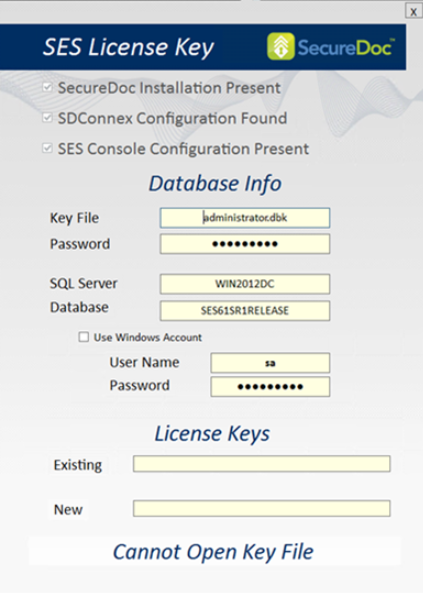
To get around this issue, please open the SES management console’s login screen and login with the KeyFile used for configuring SDConnex. Then close the SES Management Consol and run the license tool again.