Universal Data Link (UDL)
This is a tool provided by Microsoft.
No download is needed and the configuration is pretty easy:
Prerequisites:
Activate both show file extensions as well as show hidden items in Windows Explorer:
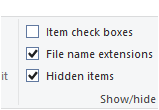
Configuration:
1) create a new text file.

2) rename the file from
New Text Document.txt to New Text Document.udl
Note: This will cause a warning message:
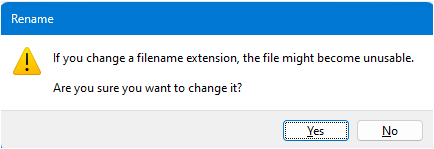
3) Please click yes.
The file icon will change:
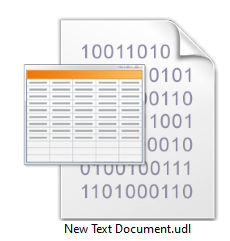
4) Now you double click the file and will see the following form:
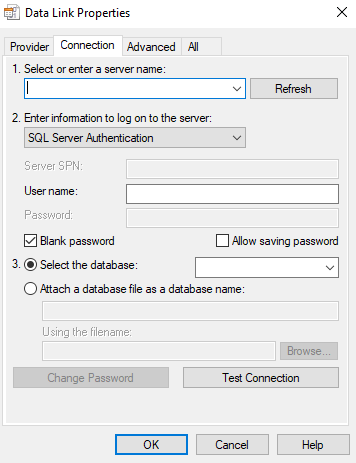
5) Fill in the very same details you use for the SES connection.
6) The result shows if the connection is successful or failed.
The failed error messages gives usually some hints where things went wrong.
You can find further information on the Microsoft page. External Link:
Universal Data Link (UDL) configuration