The following Error message might appear in certain circumstances, when trying to access the SES console:
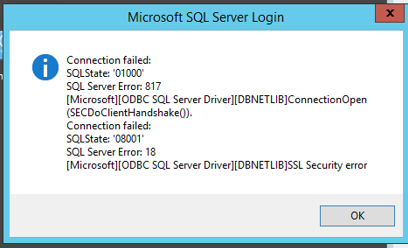
Connection failed:
SQLState '0100'
SQL Server Error 817
[Microsoft][ODBC SQL Server Driver][DBNETLIB]ConnectionOpen
(SECDoClientHandshake()).
Connection failed:
SQLState: '08001'
SQL Server Error. 18
[Microsoft][ODBC SQL Server Driver][DBNETLIB]SSL Security error
From the error message it looked like a TLS issue, where one component is using TLS 1.0 and the other TLS 1.2 or like a cipher mismatch
Tools and websites that were used in the troubleshooting process:
https://learn.microsoft.com/en-us/windows/win32/secauthn/cipher-suites-in-schannel
https://www.nartac.com/Products/IISCrypto/
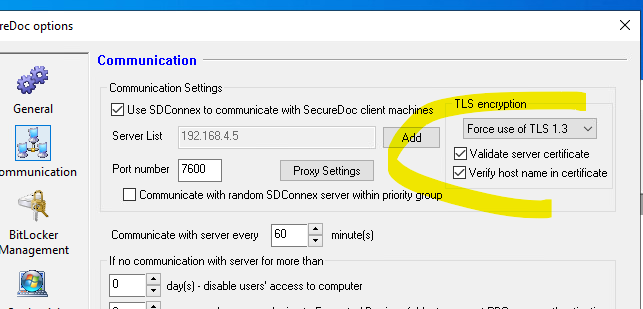
In SES you can set aswell the TLS settings:
https://stackoverflow.com/questions/65499019/odbc-sql-server-driverdbnetlibssl-security-error-18
https://danarman.blogspot.com/2023/02/windows-11-unable-to-connect-to-sql.html
In the end it turned out, that the customer had upgraded ODBC drivers to Version 18, after rolling back to 17, the issue was resolved