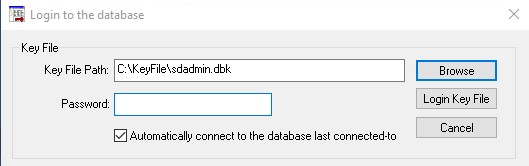
Environment Info :
Windows Server 2016 | SQL Server 2017 Express |
ODBC Driver Ver. 2017 - 171.00.01 |
|
Problem Scenario
1. When attempting to open your Securedoc Console, the following error is observed:
Unable to find a connection to the database. Please select another server and database or create a new connection.
e.g.
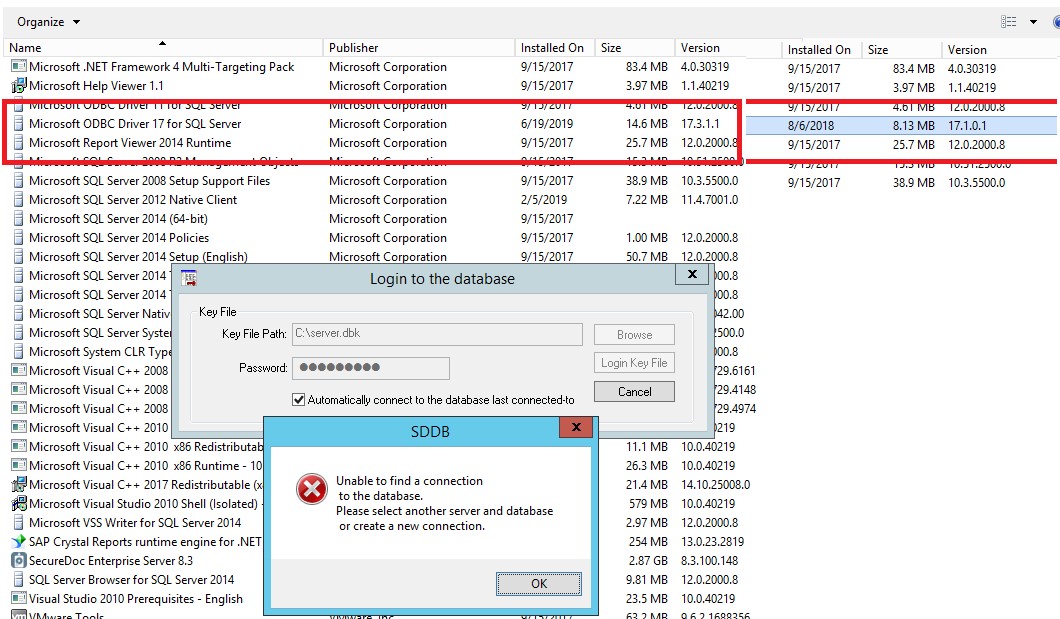
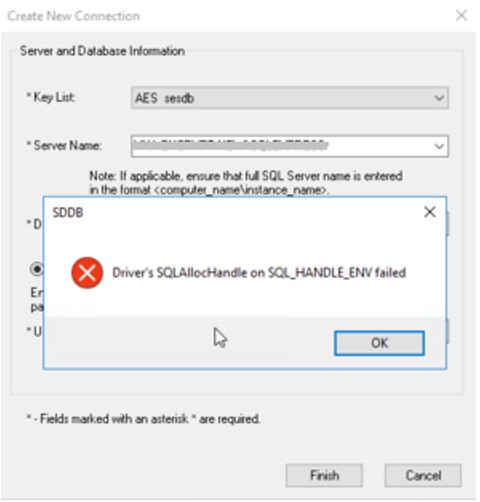
2. Also you may notice that when launching SecureDoc and attempting to connect to your SQL Server, the following error is observed:
Error connecting to the database "Driver's SQLAllocHandle on SQL_HANDLE_ENC failed.
e.g.
Probable Cause :
The anomaly reported may have occurred as a result of an update of ODBC Driver 17 for SQL Server.
It’s likely was triggered from an upgrade from version 17.x.x.x to to 17.3.1.1.
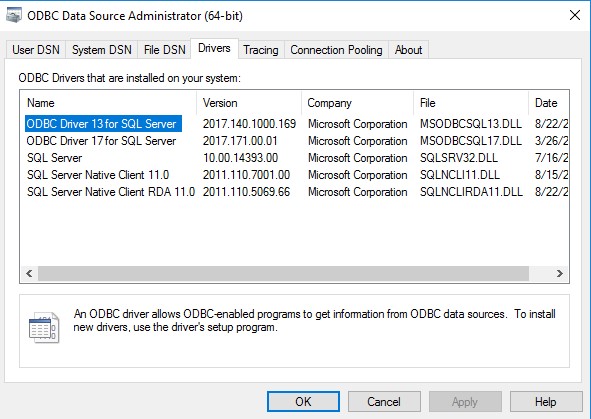
For additional reference discussion, please refer to the following url:
Proposed Solution
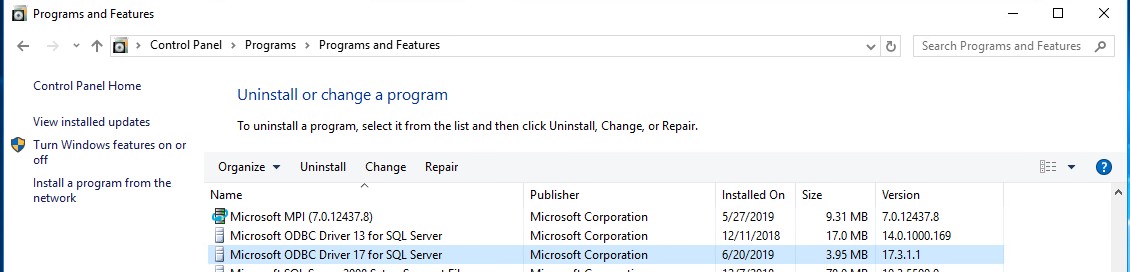
Please uninstall your Microsoft ODBC Drive 17 for SQL Server
Open Control Panel - > Programs -> Programs and Features.
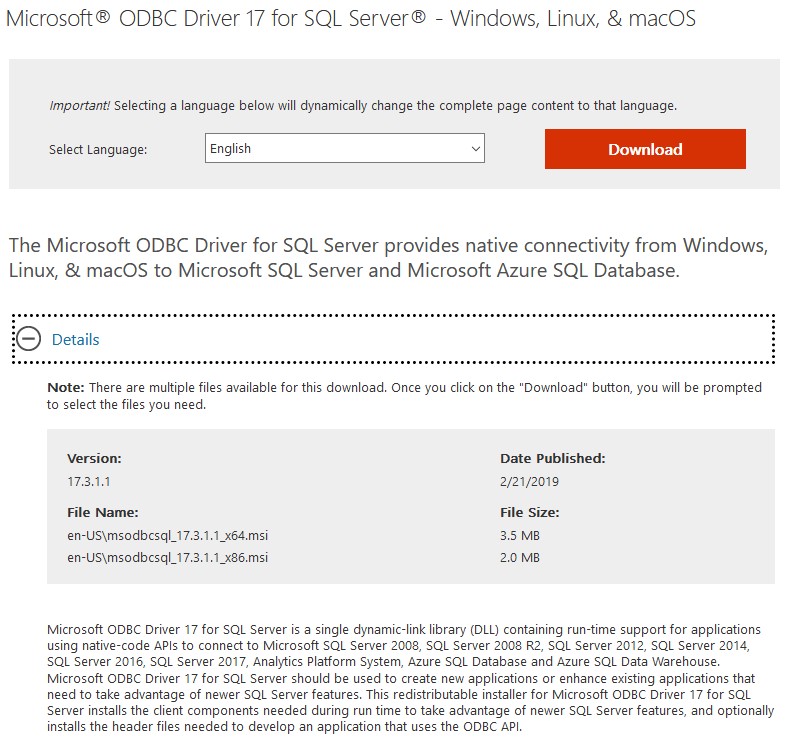
Download and Install Microsoft ODBC Drive 17 for SQL Server Version 17.3.1.1
Link: https://www.microsoft.com/en-us/download/details.aspx?id=56567
Upon completion - You can retry login to your SES Console.