How to change Your Passwords at PBA (OSA)
SecureDoc versions: SES 8.3 SR1 and newer
- At PBA, enter your valid credential and press F3 key (or Fn + F3 on some laptops model)
- The Client management button display
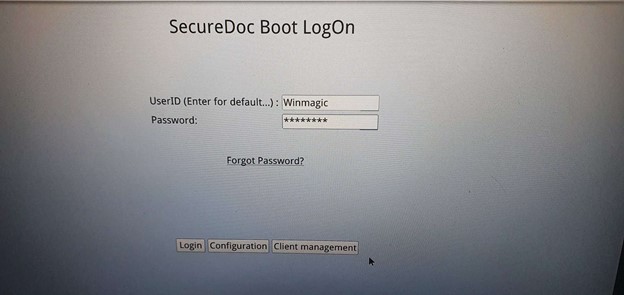
- Click on “Client management” button
- Change Password page display
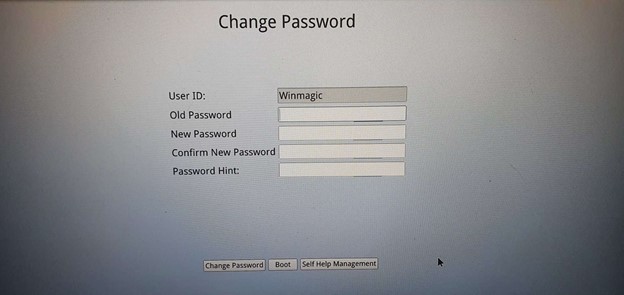
- Enter your Old Password, New Password, and Confirm your New Password
- Click on “Change Password” button then a confirmation message appears.
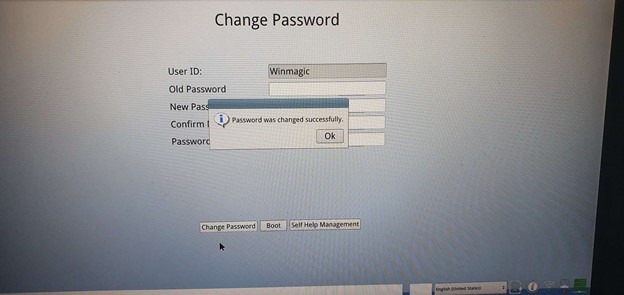
- Click the OK button then click the Boot button
- Machine boot into Windows Login screen
- Power-off and Power-on client machine
- Login PBA with a new Password
- Login successful