Title: Failed to create SES database following upgrade of ODBC from 17.1 to 17.4
Environment Info:
SecureDoc Enterprise 8.5
SQL Server 2019/ SQL 2017
Microsoft ODBC Driver Ver. 17.1
Scenario:
1. Install ODBC 17.1 on a fresh server
2. Then Upgrade ODBC to 17.4
3. Reboot server and Check Control Panel
--> ODBC 17.1 is uninstalled, Only ODBC 17.4.1.1 is shown
4. Install SES on server
--> Install process is completed successfully
5. Create key file
--> Master key file is created successfully
6. Create a new database
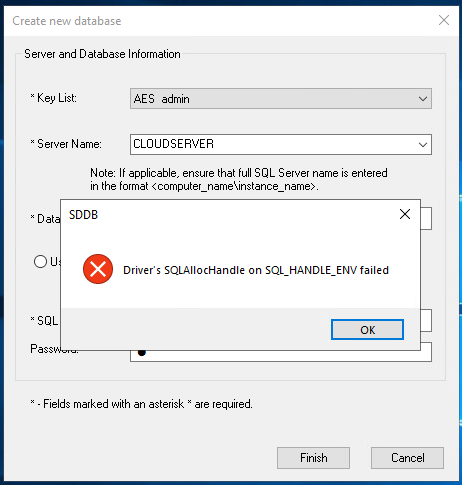
Actual result: Database fails to be created, showing the following error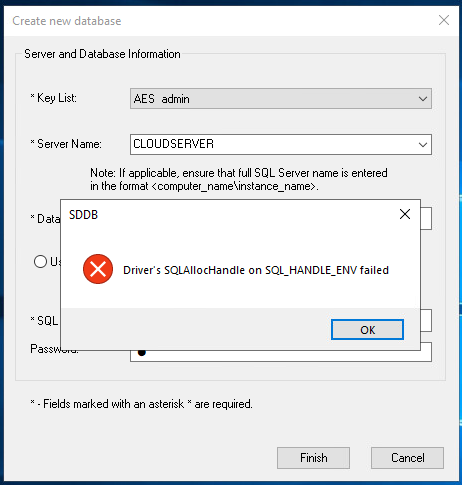
Note: This issue does not occur when installing ODBC 17.4 directly (versus upgrading from 17.1) on a fresh server
Probable Cause:
This problem appears to be caused by issues in Microsoft's driver code.
Proposed Solution:
Manually uninstall ODBC 17.1 then manually install ODBC 17.4.1 directly. This problem does not occur following a full uninstall/re-install, it only occurs when the ODBC drivers are upgraded in-place.