Description of the problem:
When you install enterprise or standalone product of SecureDoc 6.1 on Windows 8 operating system then you won't be able to create recovery drive on a removable media drive using "create recovery driver" option .
1. Install SecureDoc 6.1
2. Reboot the system
3. In Windows - run "Create a recovery drive"
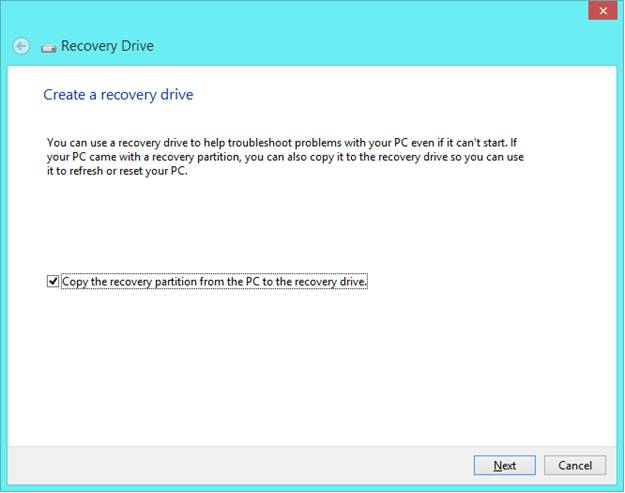
4. Click on Next
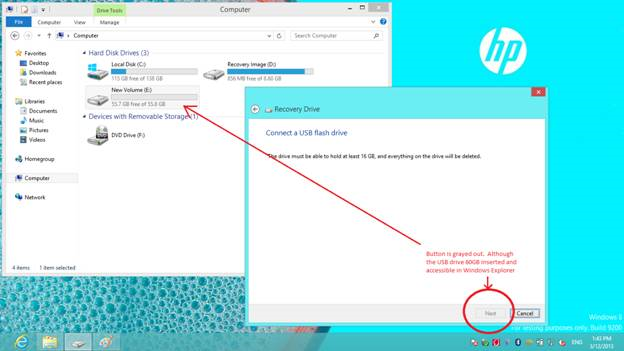
5. Insert a USB drive (60GB) - but feature doesn't detect the USB drive. Although the USB drive is accessible in Windows Explorer
Solution:
You create Windows repair disk on a CD or a DVD using an internal and external optical drive. If you have recovery partition on the device then you wont be able to use the CD/DVD method to create a recovery drive.