Title: Secure Wipe in Lenovo Bios
What is a Lenovo Secure Wipe? It is a Lenovo BIOS feature with the following functionality.
- Systems that support TCG HDD password and have the password set: Secure Wipe uses REVERT SP to remove the user data.
- Systems that support TCG HDD password and don’t have the password set: Uses ATA-Security Feature Set Passthrough over NVMe with a choice of normal (block) erase or crypto-erase.
- I would surmise that systems that don’t support TCG HDD Password also use the ATA-Security Passthrough commands
- Secure wipe also offers the choice of various DoD overwrite algorithms.
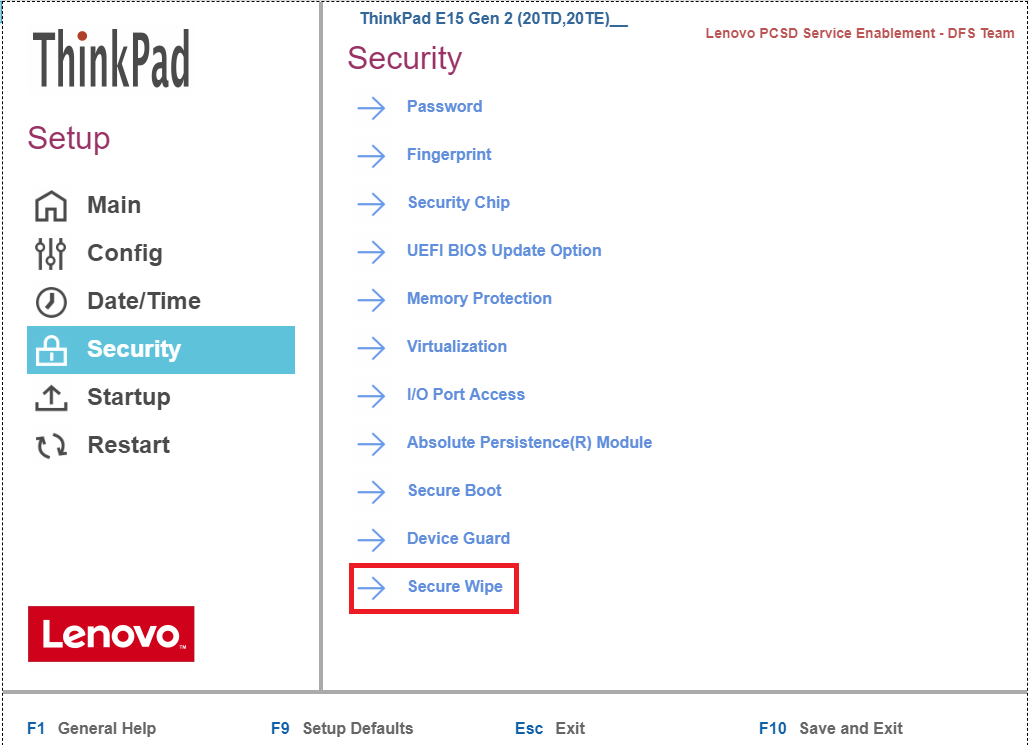
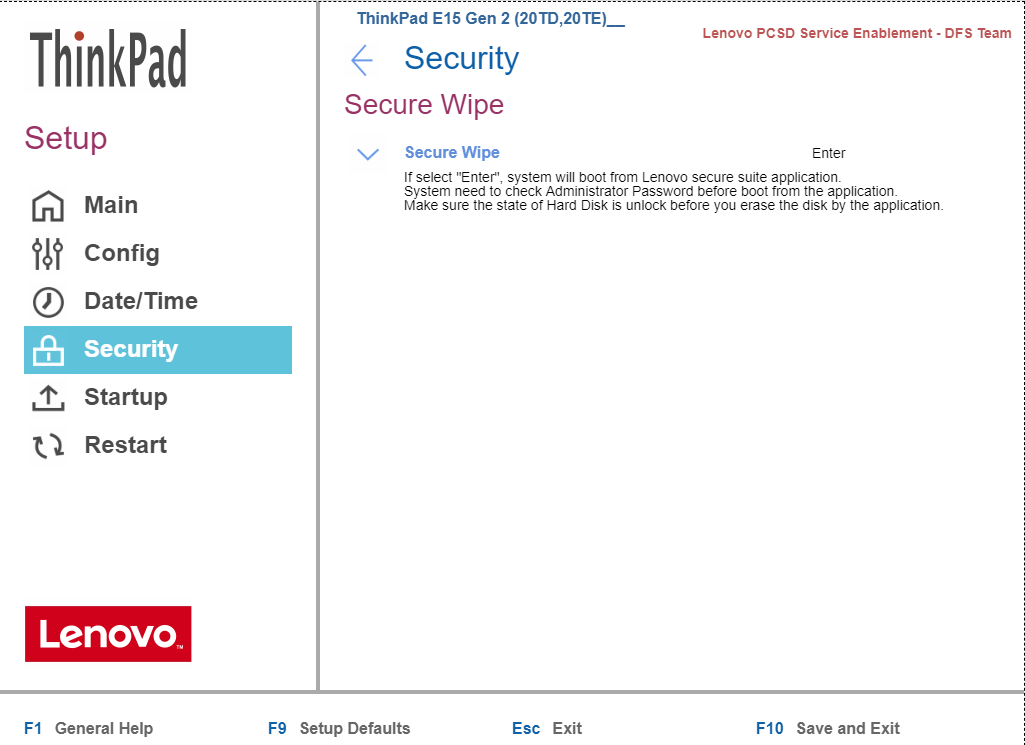
NOTE: ThinkPad’s implementation (Phoenix BIOS) is different from ThinkStation’s (AMI BIOS):
Wipe Method List
Opal | Crypto Erase /Block Erase | TCG Opal PSID Revert | - Selectable if Storage have Opal/Pyrite 2.0 security feature and support Opal Revert command. - Not Selectable if storage have no Opal/Pyrite password. - Not support on Pyrite 1.0 - Erase Method depends Opal (Crypt Erase) / Pyrite2.0 (Block Erase) |
NVMe | Crypto Erase | Erase NVMe Cryptographic Keys | - Selectable if Storage support NVMe format NVM command (Crypt Erase) - Not Selectable if Opal password is owned by Opal management software. |
NVMe | Block Erase | Erase all NVMe User Space | - Support if Storage support NVMe format NVM command (Block Erase) - Not Selectable if Opal password is owned by Opal management software. |
ATA | Block Erase | ATA Secure Erase | Selectable if - Storage have ATA security feature - Storage have no Opal/Pyrite password |