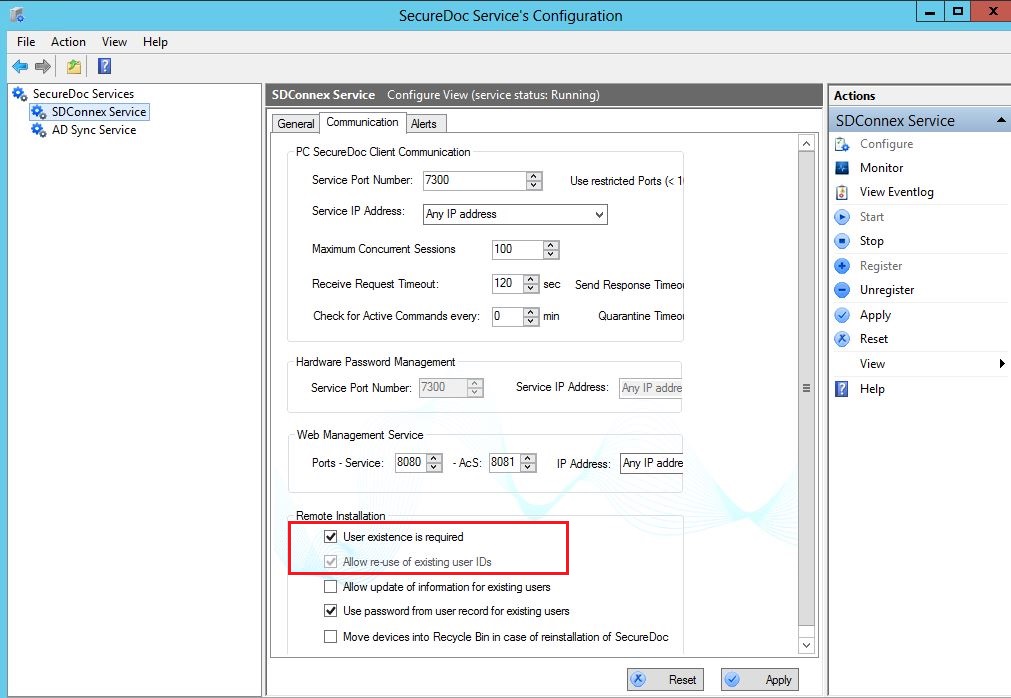
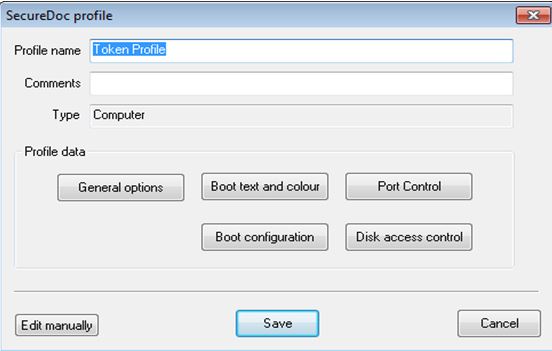
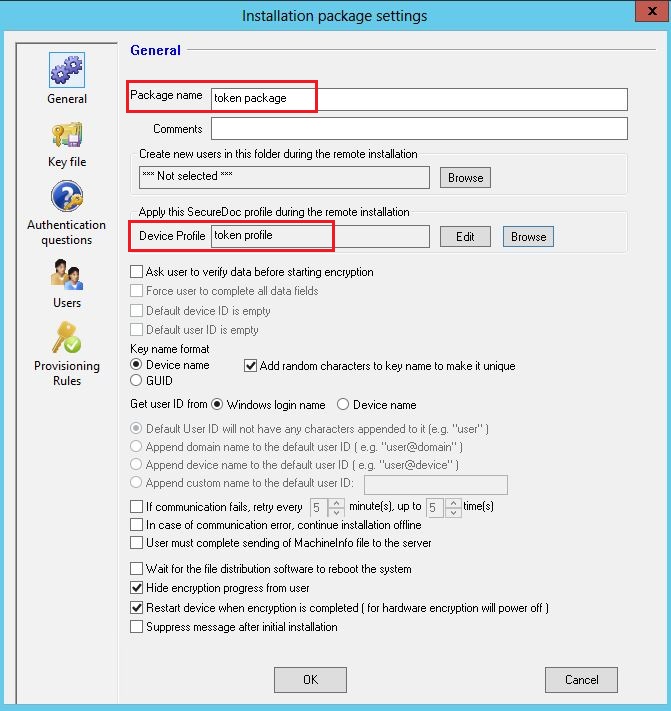
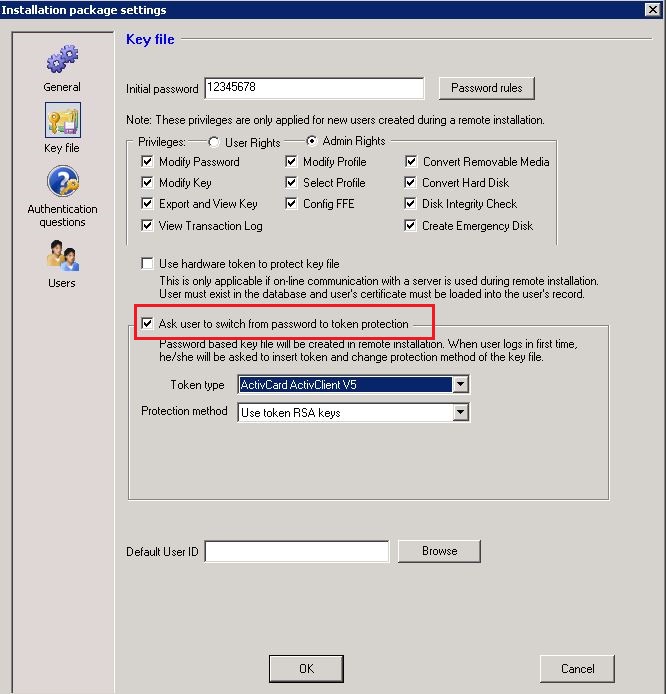
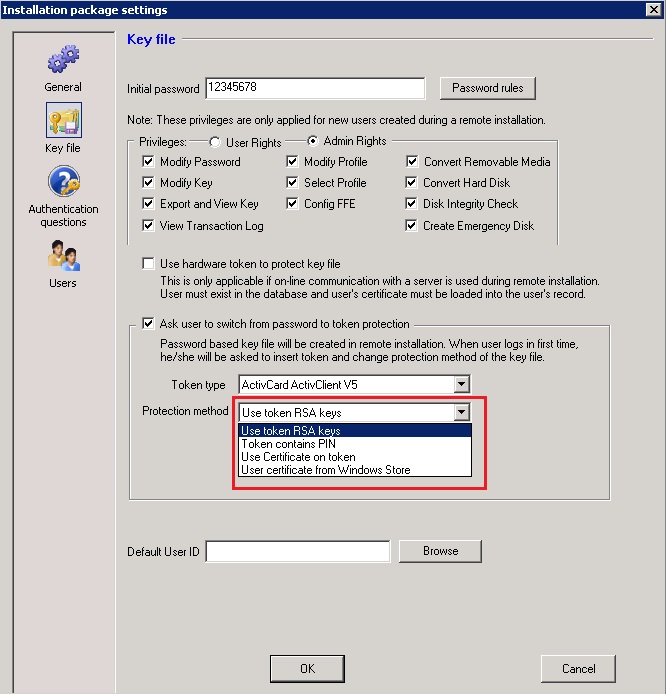
Steps To Follow: Step 1: Under the Communication tab of SecureDoc Service's Configuration – check marks the following boxes “Allow re-use of existing user IDs” and “User existence is required” Step2: In SES server under Profiles, please create a profile and give it a name e.g. Token profile. There are no settings that you will need to configure for the profile. However, a profile is needed for all installation packages. Accept the default settings and click Save. Step 3: 1. Create an installation package and give it a name e.g. Token Package. 2. Click on Browse to select the appropriate profile. In this case we had named it e.g. “Token Profile”. 3. From Key file setting, check off the option “Ask User to switch from password to token protection”. Please enter an initial password.
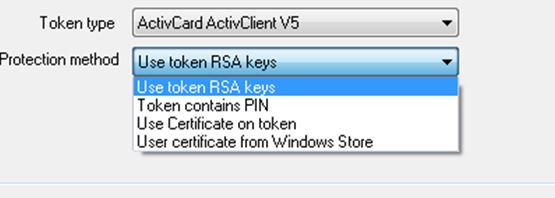
Step 4: You will need to select the “Token type” and the “Protection Method”. For Protection method, please select the appropriate protection. Most likely it will be “Use Certificate on token”. Under the Token Type, select the chosen token type for your environment. Then click OK